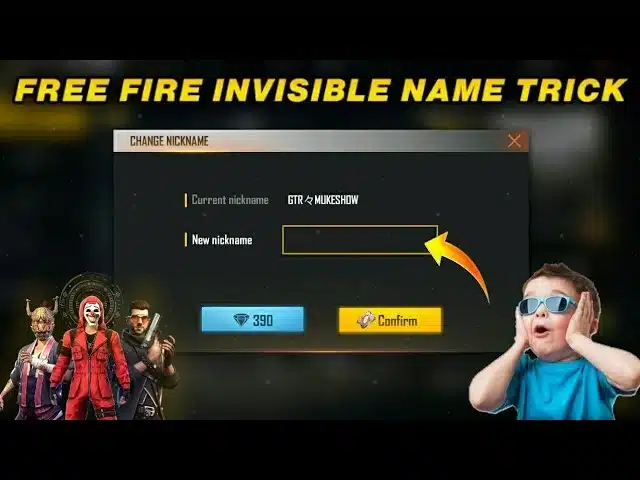
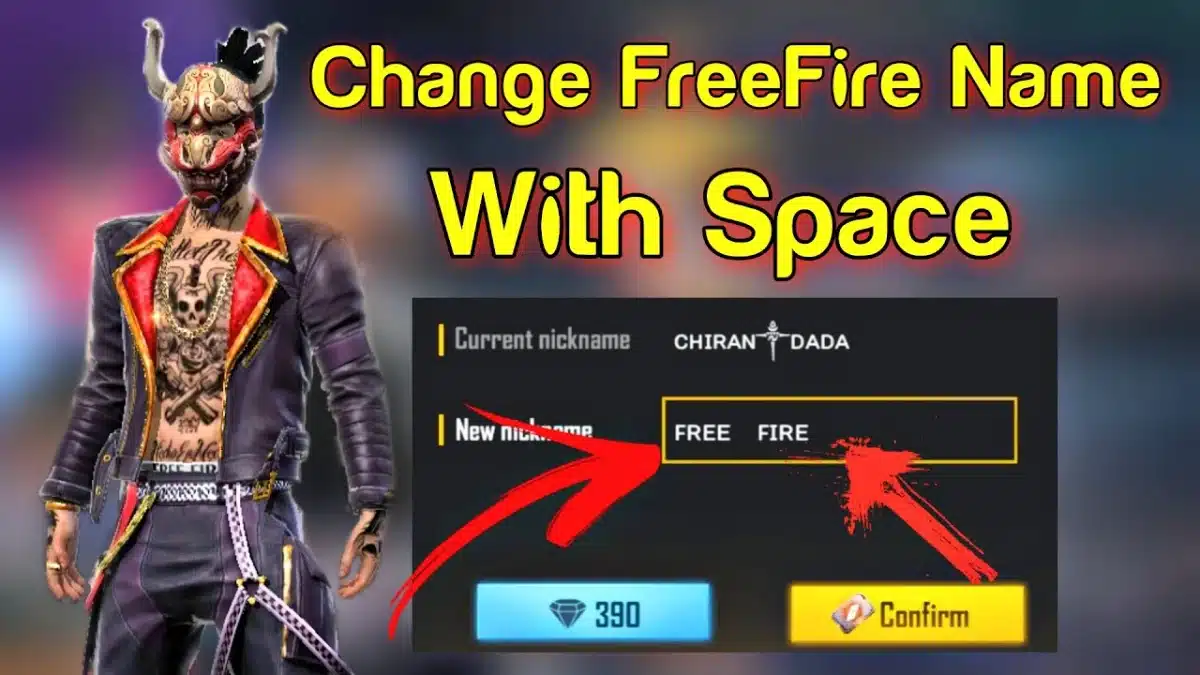
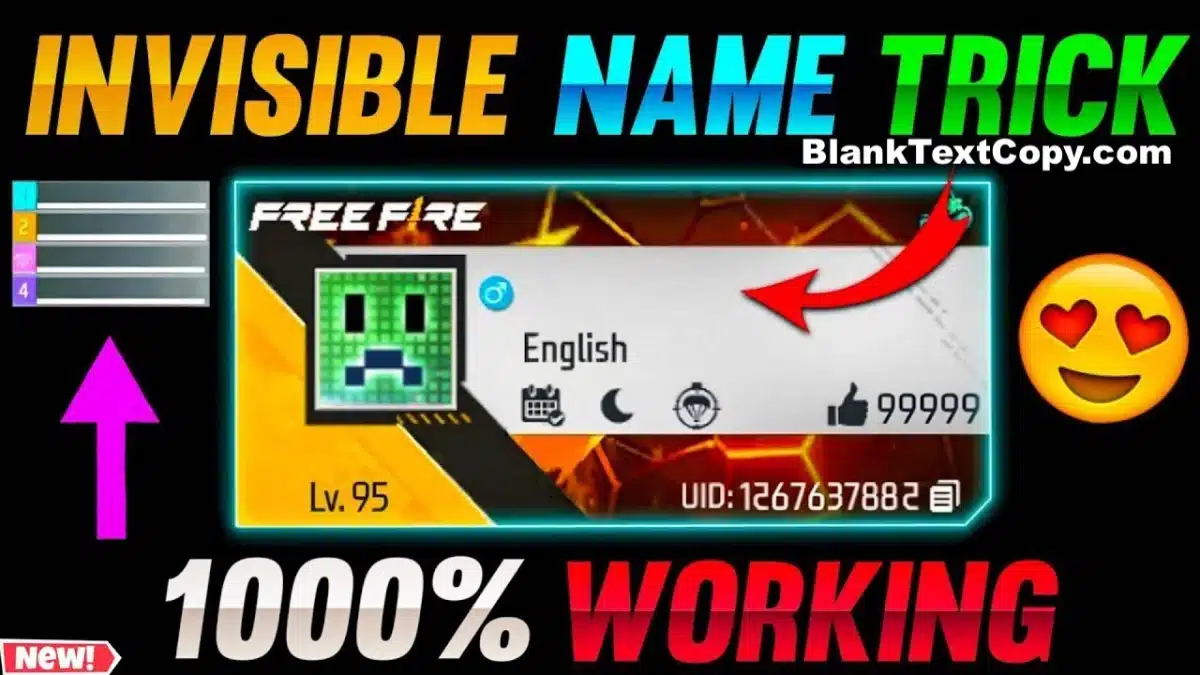
Free Fire remains one of the most popular battle royale games worldwide, and in 2026, players still love customizing their profiles to stand out. Beyond skins and outfits, one of the most trending hacks is creating an invisible nickname in Free Fire (FF). Instead of showing letters or numbers, your name can appear blank, filled with invisible spaces, or styled with Unicode whitespace characters.
This article explains how to copy and paste invisible space codes, use a generator, and apply blank text in your nickname safely. We’ll also share troubleshooting tips and provide a ready-to-use Free Fire name space code 2026 table.
Blank space for Free Fire usually means using a special invisible or almost-empty character as your in-game name, so it looks like you have no nickname at all. Instead of normal letters or symbols, players paste a hidden character into the name box, and Free Fire reads it as text even though other people mostly see “nothing”.
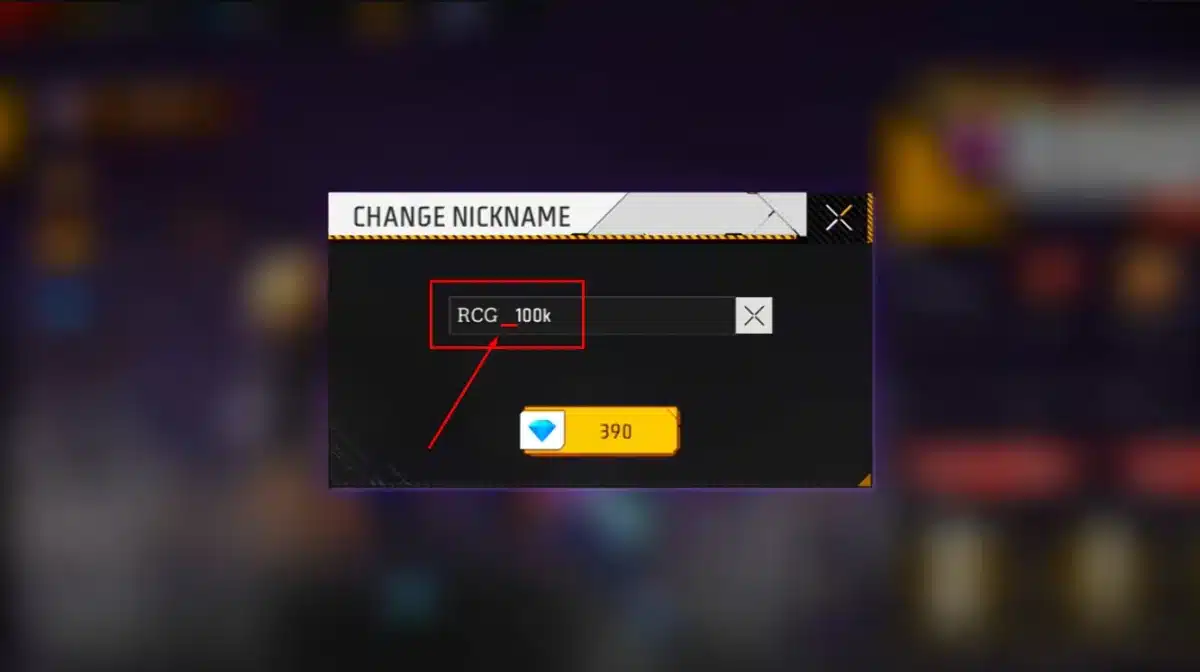
Free Fire small space name trick
Should you use a blank name in Free Fire? It depends on what you want:
Why players like it:
Your profile looks clean, minimal and a bit mysterious in the lobby and killfeed.
It helps you stand out from long, flashy names full of symbols.
Some people use it for screenshots, highlight videos or role-play.
Things to consider before using it:
Not every blank character works on every device; some may show as a small box or dot.
Free Fire can update its naming rules, so a method that works now may stop working later.
You should always follow the game’s official policies and avoid any risky tricks that ask for your account, password or personal data.
So, a blank space name in Free Fire is mostly a visual style. It doesn’t give extra power or advantages in matches, but it can make your account look more unique if you use it in a safe and reasonable way.
🎮💥 Playing Free Fire and want a more stylish profile? Use these tools to create colourful bio lines, pro signatures and cool FF name styles you can copy and paste in seconds.
The fastest way to create a hidden nickname in Free Fire is with an invisible name generator. These tools provide one-click copy buttons for different blank characters (e.g., zero-width spaces, non-breaking spaces, Hangul fillers).
𓊆SMALL𓊇
𓊆 BIG 𓊇
𓊆MEDIUM BLANK NAME𓊇
⠀𓊆 LONG INVISIBLE NAME 𓊇
Create more FF nickname spacewith the blank name generator below👇
✨ Want your nicknames, posts, bios and comments to pop on TikTok, Instagram, Facebook or X? Start with these two tools below.
🎵 TikTok📸 Instagram💬 DiscordX / Twitter📘 Facebook📱 WhatsApp📨 Telegram🎮 Games
This ensures your Free Fire nickname looks unique without relying on unsafe apps.
FF Name Space Code 2026
In 2026, Free Fire players often use Unicode characters to create invisible nicknames or add special spacing tricks. Standard spaces (U+0020) don’t work — Garena trims them. Instead, you need specific Unicode whitespace characters that Free Fire recognizes.
Invisible name for Free Fire
Common Unicode Codes for Free Fire Nicknames. For those who prefer manual copy-paste, here is a table of invisible codes you can use:
Character Name
Unicode Code
Works in FF?
Usage Example
Zero-Width Space
U+200B
✅ Yes
Invisible full nickname
Non-Breaking Space
U+00A0
✅ Yes
Add spacing between words
En Space
U+2002
⚠️ Limited
Wider spacing for style
Em Space
U+2003
⚠️ Limited
Extra wide spaces
Hangul Filler
U+3164
✅ Yes
Common invisible nickname filler
Braille Blank
U+2800
✅ Yes
Creates empty name effect
⚡ Tip: Test different characters in the Free Fire nickname field. If one code fails, another usually works.
Why Unicode Spaces Work
Unicode is the universal text standard for all platforms.
Some whitespace characters appear blank but are treated as valid input.
By pasting them in the nickname field, you can bypass duplication errors and design stylish names.
💡 Tip: Always test different characters. Some work on Android but may not work on iOS, or vice versa.
How to Copy and Paste Invisible Space In FF Name ?
Free Fire doesn’t always allow a normal “space” in guild names, so many players use an invisible character (blank space) to create a clean gap between words.
How to do it (quick steps):
Copy an invisible space (blank character) from your tool/page.
Open Free Fire → Guild → Edit/Change Name.
Paste the invisible space between words (example: RAISTARㅤGUILD).
Preview the name. If it looks broken, remove extra symbols and try again with one invisible space.
Save the change (you may need the required rename item/tokens depending on FF rules).
Tips to avoid “□” or errors:
Keep the name short and use 1 invisible space only.
Don’t mix too many rare symbols with the invisible gap.
If it fails, paste via Notes first, then copy again into Free Fire.
If you want, I can give you 10 ready-to-copy guild name examples using invisible space too.
Here are practical tips for using invisible text in Free Fire:
Use rename cards wisely: You’ll need them to apply a new nickname.
Combine spaces with symbols: Works well for stylish guild names.
Test across devices: Some characters display differently on Android vs iOS.
Avoid misuse: Don’t impersonate or trick other players with blank profiles.
By 2026, FF invisible space remain popular among players who want to stand out. Using blank characters, hidden Unicode symbols, and small space tricks, you can:
Create a fully blank profile name.
Add invisible spaces for style.
Send empty chat messages in-game.
⚡ Just like on Instagram, WhatsApp, Discord, or TikTok, these Unicode characters give you full control over how your profile looks.
Start experimenting with the space copy FF and make your nickname truly unique in 2026.