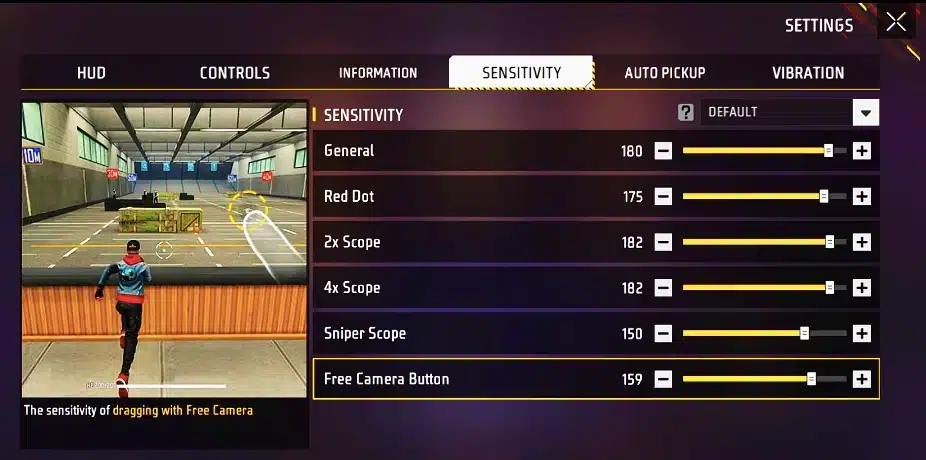
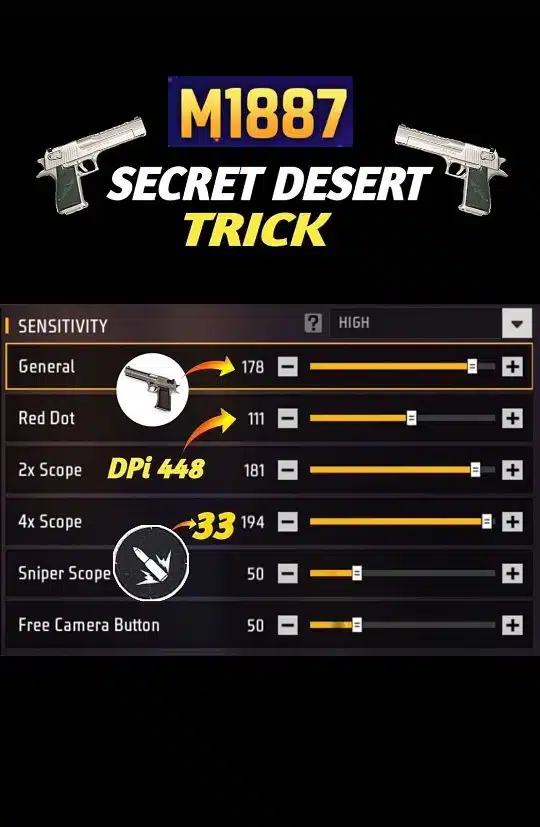
If you want cleaner M1887 drag shots in Free Fire, the biggest goal is simple: make your aim fast enough to snap upward, but not so fast that it flies over the enemy’s head. In 2026, the most common successful setups still keep General and Red Dot high, while 2x and 4x stay a bit lower for control.
The M1887 is a close-range shotgun, so your sensitivity should favor quick wrist or thumb drag, fast camera correction, and stable short-range crosshair movement. That is why most updated 2026 headshot guides still recommend a high-speed setup instead of a balanced long-range build.
This range matches the broader 2026 headshot trend where General stays very high and Red Dot remains one of the most important sliders for close-range weapons like the M1887. Multiple recent guides place one-tap and headshot-focused settings around this range, especially for aggressive rush play.
If your drag feels too shaky, lower Red Dot by 3 to 5 points first. If your aim feels slow and your crosshair sticks to the chest, raise General slightly before changing everything else.
iPhones usually have smoother touch response and more stable frame pacing, so you can run a slightly more controlled setup without losing your drag speed.
Recommended starting point:
General: 92–97
Red Dot: 85–90
2x Scope: 78–82
4x Scope: 68–74
Sniper Scope: 45–50
Free Look: 65–72
This works well because iOS devices often do not need extreme values to feel responsive. A slightly lower Red Dot can help keep M1887 flicks cleaner during close fights.
💎 Free Fire ID & Trending Unique Bio Hub 💥
Need a pro-looking Free Fire profile with perfect bio style, colour code, house art or weapon line? Use these tools and ready-made codes to customize your FF ID, V Badge, love bio and gun/M1887 signature in seconds.
On low-end Android phones, very high sensitivity can feel inconsistent if the game stutters or touch response is less stable. In that case, use a slightly safer setup.
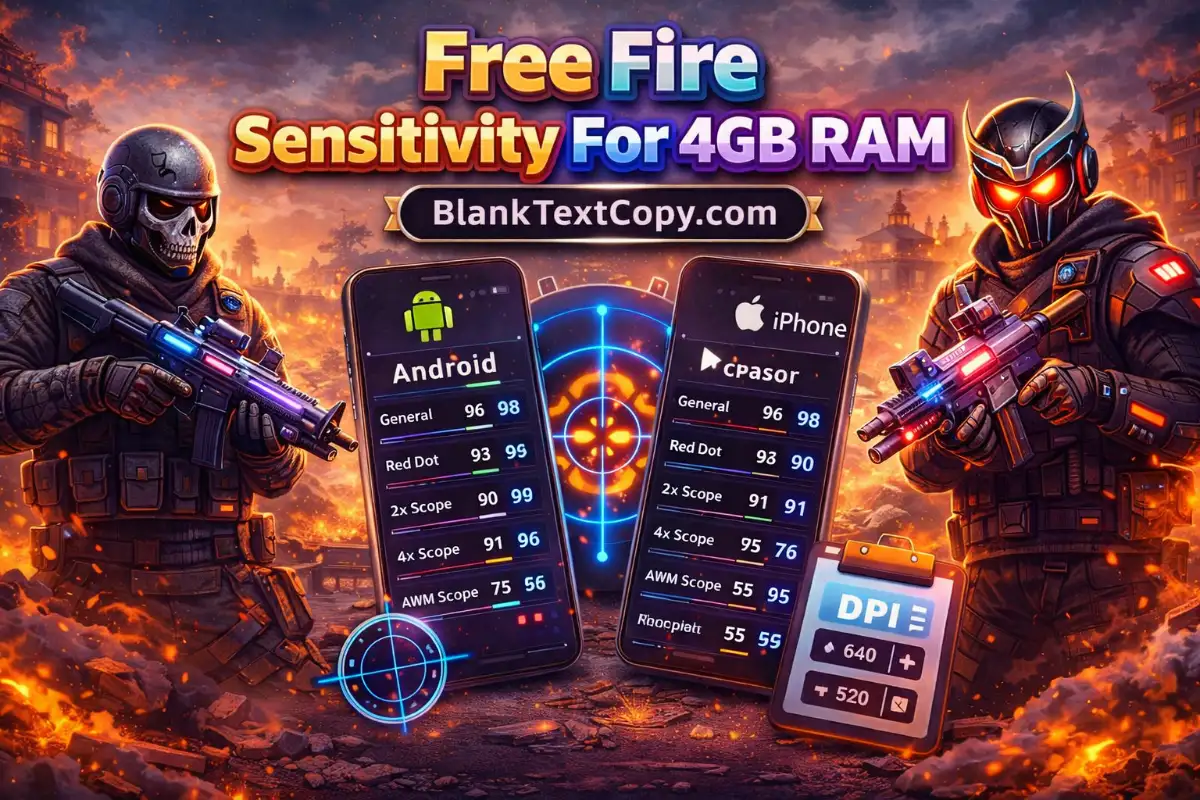
Free Fire Sensitivity For 4GB RAM
Recommended starting point:
General: 90–95
Red Dot: 84–90
2x Scope: 75–80
4x Scope: 65–70
Sniper Scope: 45–52
Free Look: 65–70
Recent guides for lower-end devices also suggest trimming sensitivity a little, especially on Red Dot, so your aim does not become too twitchy during shotgun fights.
This is the sweet spot for many Free Fire players. Mid-range devices can usually handle a more aggressive headshot setup while still feeling controlled.
Recommended starting point:
General: 94–100
Red Dot: 88–93
2x Scope: 80–85
4x Scope: 70–76
Sniper Scope: 48–55
Free Look: 68–75
If you play rush-heavy matches and use the M1887 often, this range is usually the best place to start.
Android High-End Phones (8GB+ RAM / High Refresh Rate)
Powerful Android phones with smooth displays can support faster swipes and stronger drag movement, so you can push General and Red Dot a little higher if your control is good.
Recommended starting point:
General: 97–100
Red Dot: 90–95
2x Scope: 82–86
4x Scope: 72–78
Sniper Scope: 50–55
Free Look: 70–76
Recent 2026 recommendations for high-performance devices still favor aggressive sensitivity for close-range headshots, especially when players want fast one-tap style movement.
The M1887 is not a weapon that rewards slow tracking. It rewards:
quick crosshair lift
fast close-range reaction
clean drag timing
strong chest-to-head movement
That is why General and Red Dot matter most. In updated Free Fire headshot guides, Red Dot remains one of the key settings for close-range weapons because it directly affects how fast you can pull your aim up in short fights.
Best Extra Settings for M1887 Headshots
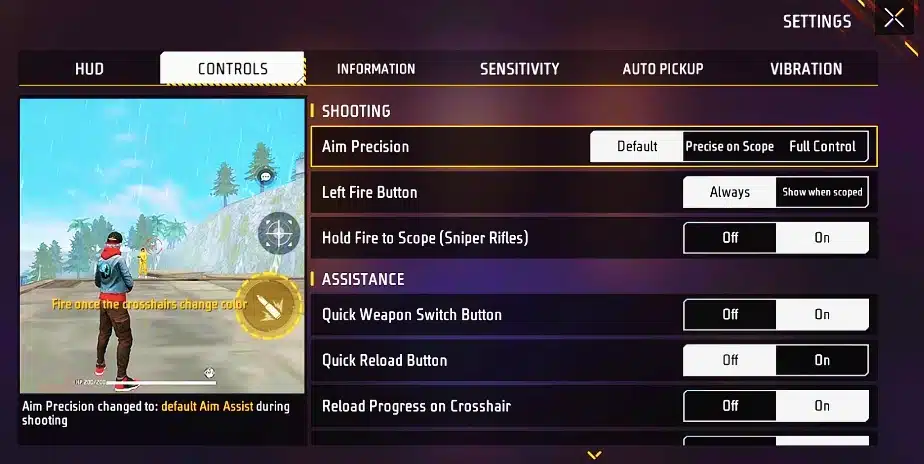
Sensitivity alone is not enough. Your overall control also depends on the rest of your setup.
For better M1887 performance, keep these ideas in mind:
Use a fire button size that feels easy to drag, not too tiny
Keep your HUD clean so your thumb has space to swipe upward
Use Training Mode before ranked matches
Do not copy sensitivity blindly without testing 3 to 5 rounds first
Adjust only one slider at a time
Many current Free Fire guides also recommend testing settings in training before making bigger changes, because headshot consistency comes from repeated muscle memory, not just high numbers.
A lot of players ruin their shotgun headshots by making one of these mistakes:
Red Dot Too High
Your crosshair jumps over the head too easily.
General Too Low
Your drag starts late and stays on the body.
Changing Every Setting at Once
You never build consistent muscle memory.
Using Sniper-Style Control for a Shotgun
The M1887 needs speed first, not long-range precision.
How to Fine-Tune Your Settings
Use this simple rule:
If your aim stops at the chest, raise General by 2–3
If your aim flies over the head, lower Red Dot by 2–4
If your close-range aim feels messy, reduce 2x Scope slightly
If your touch feels delayed on Android, lower one slider instead of raising all of them
There is no single magic value for every player. Recent 2026 guides also say the same thing: the best sensitivity is the one that fits your device, playstyle, and touch response.
Best Final M1887 Settings to Try First
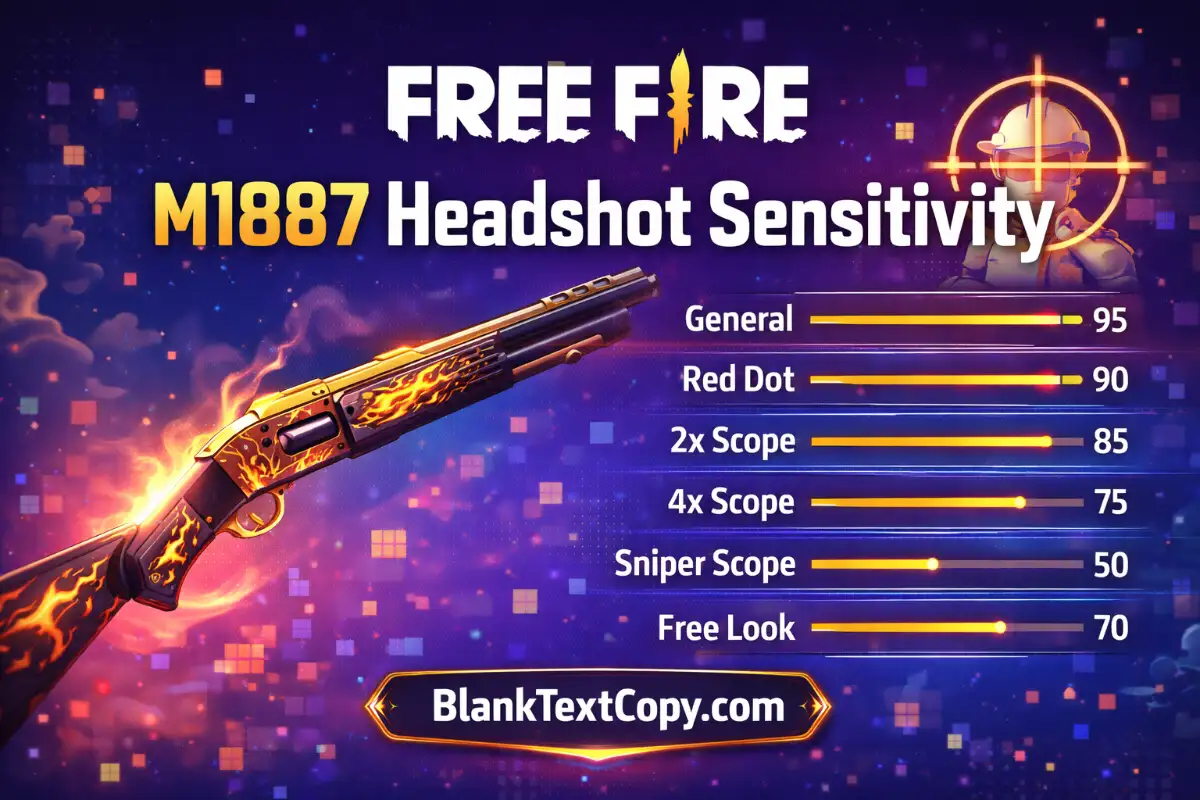
If you want one quick setup to test right away, use this:
General: 97
Red Dot: 92
2x Scope: 84
4x Scope: 75
Sniper Scope: 52
Free Look: 70
This is a strong starting point for 2026 if your main goal is faster M1887 headshots without making the screen feel too wild.
The best Free Fire M1887 Headshot Sensitivity 2026 setup is still built around high General, high Red Dot, and controlled scope values. For most players, the smartest move is to begin with a proven aggressive base, then make small changes depending on whether you play on iPhone, low-end Android, mid-range Android, or high-end Android. Recent 2026 sensitivity guides broadly support that same pattern.