Want a clean blank-looking Epic Games name for 2026? You can do it by copying an invisible character (a special Unicode symbol that appears empty) and pasting it into supported name fields.
This guide shows the safest, simplest way to use invisible characters for Epic Games-style usernames—plus rules and quick tips if your “no name” idea gets rejected.
Below you’ll find ready-to-use invisible characters to copy and paste. Some look identical (empty), but they are different Unicode characters—so if one fails, another may work.
𓊆COPY SIMBLE BLANK NAME𓊇
️
⠀ ⠀ ⠀ ⠀ ⠀ ⠀ ⠀ ⠀
⠀ ⠀ ⠀ ⠀ ⠀ ⠀ ⠀ ⠀ ⠀
╚»⭐ BlankTextCopy.com 🌟«╝
👻 Invisible Character for Epic Games
🎮 Copy invisible characters for Epic Games, create blank spaces for usernames, hidden text, nicknames, and stylish profile names with symbols instantly. ⚡
👻 Quick Invisible Name Copy
Choose how many invisible characters you want, then copy a blank name for games, profiles, bios, or social apps.
🛡️ If a game or app rejects your name, reduce the number of spaces or remove extra decorations.
Copy one invisible character, then paste it into your name field. If you need a longer blank space, paste it 2–6 times (depending on the platform limits).
Create more Epic Games no name styles with blank name generator below 👇
💥🌸🌿💓 Want more ideas for your name, bio, profile or comments on social media and games? Use these free tools to create stylish names, invisible names, fancy fonts, text art and ready-made comments.
If you want more variety (short blank, longer blank, mixed invisible styles), use an Invisible Text Generator to create multiple invisible outputs you can copy instantly. It’s the best option when one invisible character doesn’t work—because you can quickly switch between different invisible formats and lengths.
Open a trusted invisible character source (the invisible character box on BlankTextCopy below).
Tap/click Copy on an invisible character (it will look like “nothing,” but it’s there).
Paste it into the username/display name field where you want the blank effect.
Save and test. If Epic rejects it, try a different invisible character type (some platforms block certain Unicode characters).
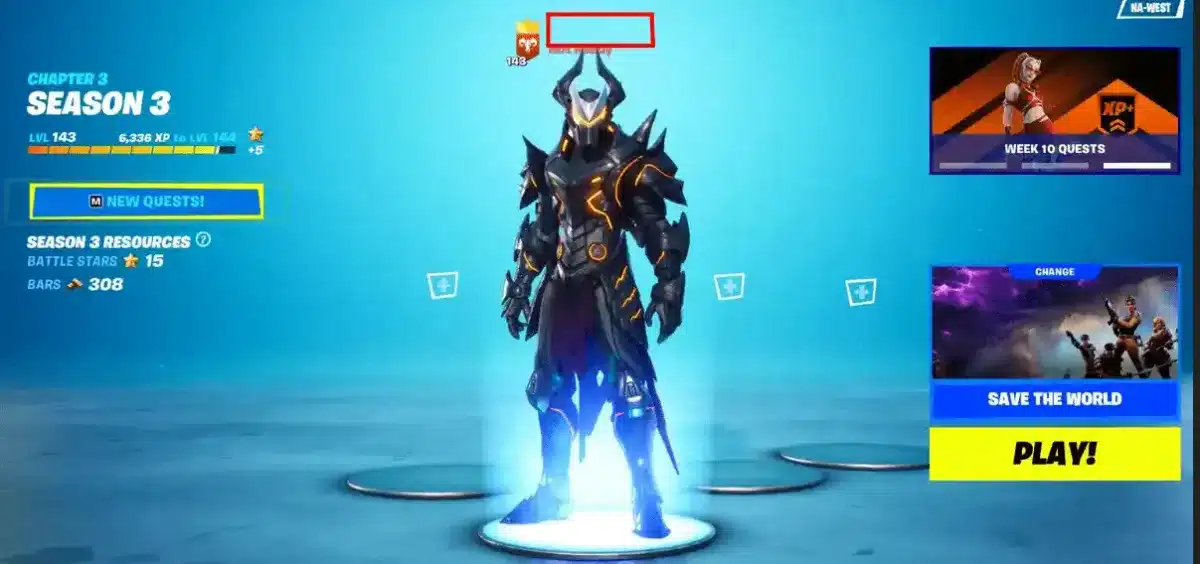
Epic Games invisible name
Pro tip: If a field doesn’t allow a fully blank name, combine 1 invisible character + 1 visible symbol (like “·” or “_”) to keep it minimal but still valid.
Invisible Character for Epic Games Username Rules
Epic Games and Epic-connected games may enforce username/display-name rules that can change over time, but these are the common restrictions you should expect:
Not truly empty: Many systems do not allow a completely blank username. An invisible character is still a character, but some filters detect and block it.
Character limits: Your display name often has a minimum and maximum length. If one invisible character is considered “too short,” repeat it a few times.
Blocked Unicode: Some invisible characters are allowed in one place but blocked in another. If your name fails, try a different invisible character type from the generator.
No impersonation: Don’t use invisible names to imitate other players or official accounts. Even if technically possible, it can violate policies.
Consistency across platforms: If you play cross-platform, a name that works on one device or game may display differently elsewhere.
Best practice for reliability (recommended):
Use 1–3 invisible characters + a tiny visible marker (like “·” or “_”) if a fully invisible name is rejected.
If you tried an invisible name and it won’t save, here are the most practical fixes:
Try another invisible character: Some are filtered more aggressively than others. Switch to a different invisible type from the generator.
Change the length: Paste the invisible character multiple times. Sometimes “one blank” fails, but “three blanks” passes.
Add a minimal visible character: Use something tiny (example: “·” or “_”) and place it at the end. It still looks clean while meeting validation rules.
Avoid rapid retries: If the system rate-limits name changes, wait and try again later (or keep your final choice ready before saving).
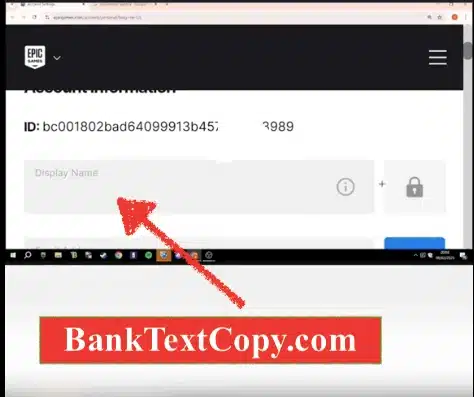
Check where you’re changing it: Make sure you’re editing the correct field (display name vs. account ID). Some fields have stricter rules.
If you want, paste the exact error message you see (or tell me where you’re setting the name—Epic account display name, Rocket League, Fortnite, etc.). I’ll suggest the best invisible character pattern (fully blank vs. “almost blank”) that usually passes validation.