Non-printable (or “invisible”) Unicode characters can sneak into text when you copy from websites, chat apps, PDFs, or documents. They may look like nothing, but they can break usernames, formatting, search, code, or copy/paste results.
This page helps you view, detect, and clean hidden Unicode symbols (zero-width characters, NBSP, BOM, bidi controls, variation selectors, soft hyphen, and more) by showing their codepoints (U+XXXX) and letting you remove or replace them safely.
View Non-printable Unicode Characters
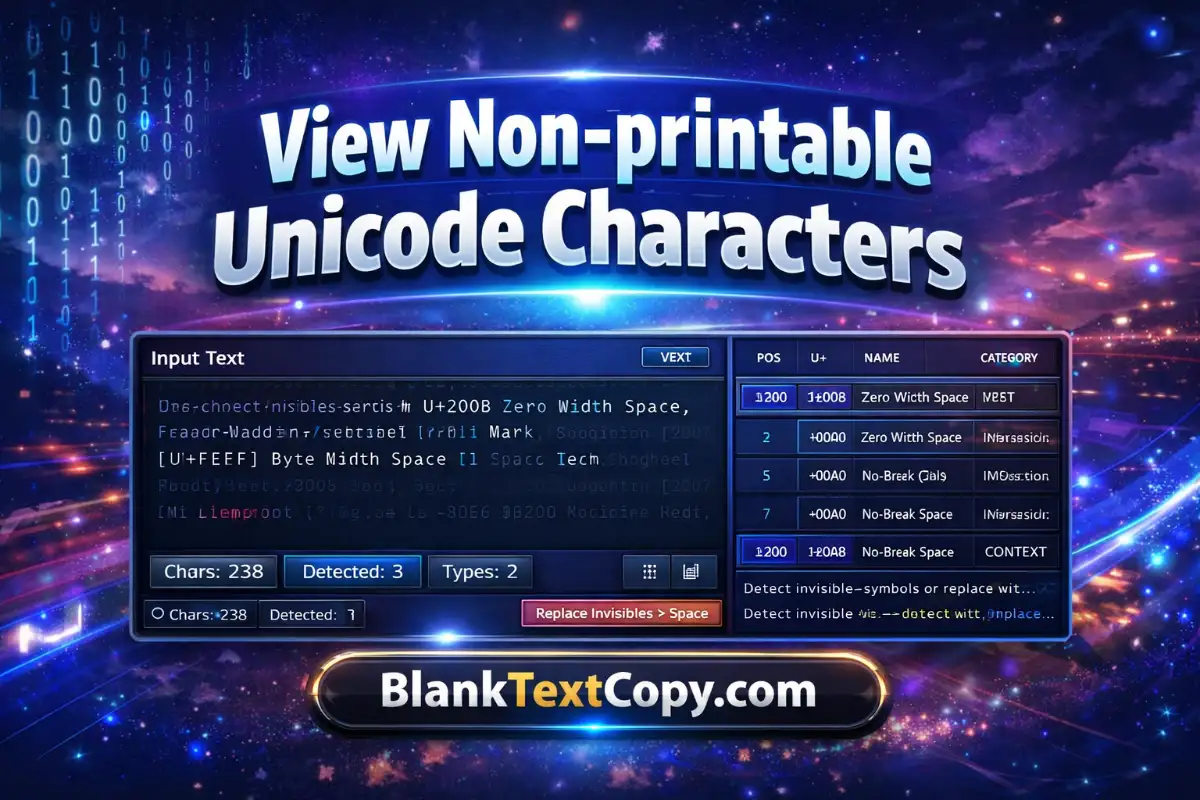
Use the embedded tool below to inspect any text and reveal hidden characters with their Unicode codepoint, name, category, and a short context preview.
| # | Pos | U+ | Name | Category | Context |
|---|
What you can do with this tool:
- Reveal “empty” characters (zero-width, NBSP, BOM, etc.)
- See each character’s U+ codepoint and Unicode name
- Clean text by removing invisibles or replacing them with normal spaces
💥🌸🌿💓 Want more ideas for your name, bio, profile or comments on social media and games? Use these free tools to create stylish names, invisible names, fancy fonts, text art and ready-made comments.
Unicode Detector Online & Remover
Here’s how to use the detector step by step (quick and beginner-friendly):
1) Paste your text
Copy the suspicious text (from chat, a document, a website, a username field, etc.) and paste it into Input Text.
2) Detect hidden Unicode
Click Detect to scan the text.
- Chars shows total length
- Detected shows how many non-printable/invisible items were found
- Types shows how many different character types appear
3) Understand the results
Check the right panel:
- Preview (Tagged): shows your text with invisible characters clearly marked (so you can “see” where they are).
- Results Table:
- Pos: the position/index in the text
- U+: the Unicode codepoint (example:
U+200B) - Name: official character name (example: ZERO WIDTH SPACE)
- Category: helpful grouping (zero-width / whitespace / bidi / control / selector…)
- Context: a small surrounding snippet to locate it faster
4) Highlight (optional)
Click Highlight if you want a more visual “where is it?” view. This is useful when the text looks normal but something keeps breaking copy/paste.
5) Clean your text (choose one option)
- Remove Invisibles: deletes detected invisible/non-printable characters.
Best for: fixing usernames, cleaning copy, removing weird hidden marks. - Replace Invisibles → Space: turns invisibles into normal spaces.
Best for: keeping words separated when invisible characters were acting like separators.
6) Copy or download the cleaned result
- Copy Clean: copies the cleaned text so you can paste it anywhere.
- Download .txt: saves the cleaned text as a plain file (great for long content).
7) Live on Paste (recommended)
Keep Live on Paste enabled to auto-scan whenever you paste new text—faster workflow, fewer clicks.
🛠️Emoji & Text Tools You Might Love💙
🔥 Use these tools to boost your emoji art, messages and profiles with scrolling text, spam emojis, repeated text and invisible emoji tricks.
Common non-printable Unicode characters
These are some frequent “invisible troublemakers” found in copied text:
- Zero-width space (
U+200B) - Zero-width non-joiner (
U+200C) - Zero-width joiner (
U+200D) - No-break space (NBSP) (
U+00A0) - Byte Order Mark (BOM) (
U+FEFF) - Soft hyphen (
U+00AD) - Word joiner (
U+2060) - Bidi controls (examples:
U+200E,U+200F,U+2066–U+2069) - Variation selectors (commonly
U+FE00–U+FE0F)
Find Special Characters In Text Online
Tips if detection shows “0” but you still suspect hidden characters
- Paste again and click Detect (or ensure Live on Paste is ON).
- Try Highlight to make hidden segments easier to spot.
- If the text came from a formatted source (PDF/Docs), it may include controls that only appear in certain copy flows—paste directly (not via intermediate apps).
Practical uses – Invisible Unicode detector
- Fix text that won’t match in search (hidden characters break matching)
- Clean usernames/display names before saving
- Remove invisible Unicode from copied captions, bios, or titles
- Debug copy/paste issues in code editors and forms
- Free Fire Sensitivity OB52: Best One-Tap Headshot Settings
- Happy Birthday Fonts Calligraphy, Cursive & Written In Style
- Copy And Paste Love Heart Symbol, Emoji – Cute & Romantic