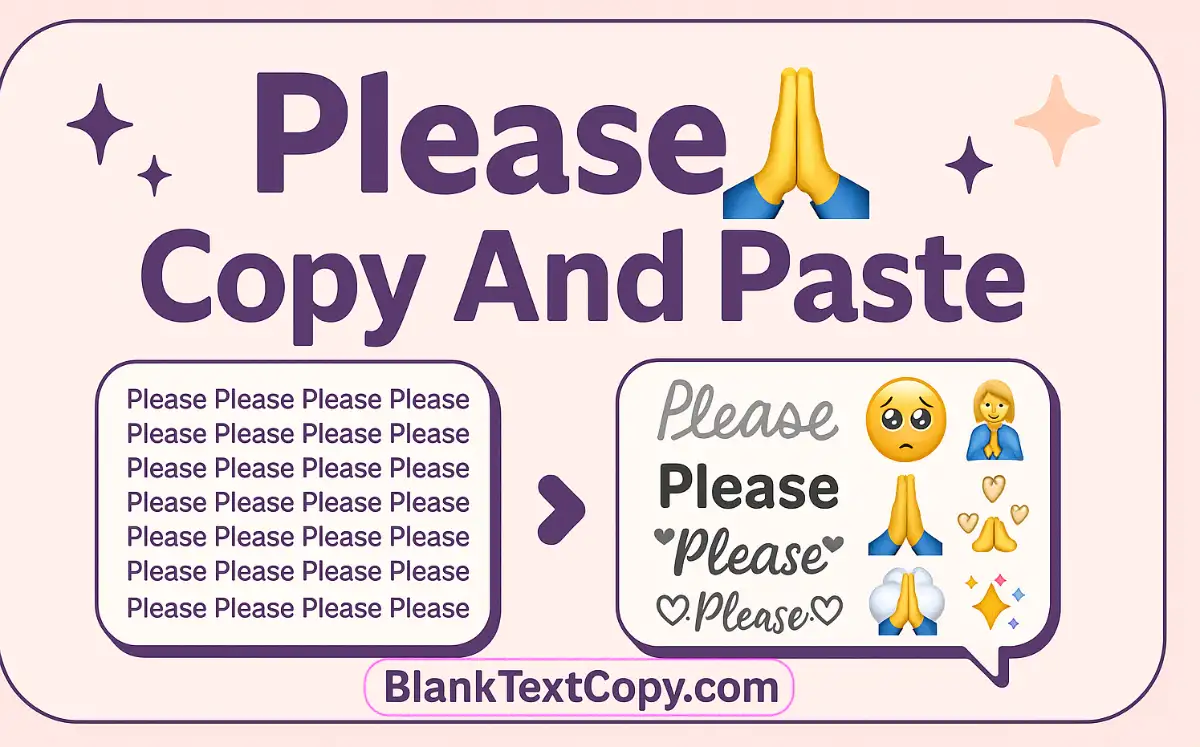
🥺 Say “please” once, or say it 10,000 times in one click. 🙏
Use this Please copy and paste generator to repeat your message 100-10000 times, add cute emoji text, then copy and paste it into chats, comments, or anywhere you want.
Please 100-10000 Times Copy And Paste
Please Emoji Copy And Paste
✨ Want your “please” text in fancy fonts? Try this font generator for stylish text and upgrade your message
Cute Please Emojis
🎮 Need a matching username for your begging message? Use this nickname generator with cool styles to create a unique name.
Please Emoji Text
🎢 If you want your “please” line to move across the screen, use the scrolling text generator for animated messages.
Scrolling Text
How To Use Please Copy And Paste Generator Tool ?
Using this please copy and paste generator is very simple. Just follow these steps:
- Pick your base “please” message
Choose a template from the dropdown (or type your own custom “please” line, like Please reply or Please forgive me). - Add emoji and a name (optional)
- Select one or more emojis to match your mood (begging, sad, cute, romantic…).
- Enter the receiver’s name if you want it to appear in every “please” line.
- Choose how many times to repeat
- Use the preset options (50, 100, 500, 1000…) or enter a custom number for 10,000 or more.
- The tool will automatically prepare your please spam text in the output box.
- Copy and paste anywhere
Click Copy, then paste your “please” message into WhatsApp, Instagram, Facebook, TikTok comments, chats, or anywhere you want.
(◕‿◕) Looking for cute faces to add after “please”? Check out these kawaii kaomoji to copy and paste
Please 50 Times Copy And Paste
If you just want a short spam:
- Pick your “please” message from the list (or type your own).
- In the COPY TIMES section, choose 50.
- Click Copy, then paste the please 50 times copy and paste text wherever you need.
💠 To decorate your “please” spam, visit this cool symbols collection and mix icons into your text.
Please 100 Times Copy And Paste
For a stronger effect but still not too heavy:
- Select your favorite “please” sentence and emoji.
- Set the repeat value to 100 in the generator.
- The tool will create a please 100 times copy and paste block ready to use in one click.
😍 Need more hearts, stars and reactions? Open the emoji copy and paste library and stack them with your “please” lines.
Please 500 Times Copy And Paste
When you really want to get someone’s attention:
- Choose or write a “please” line that fits your situation.
- Select 500 as the repeat amount or use a custom field and type
500. - Copy the output and use it as please 500 times copy and paste for chats, pranks or fan messages.
💌 After saying “please”, you may also want to say thanks — use this thank you copy and paste generator with emoji text.
Please 1000 Times Copy And Paste
For ultra-long spam style messages:
- Set your message and emoji like normal.
- Pick 1000 in the repeat options.
- Let the app generate your please 1000 times copy and paste text, then hit Copy and paste it into your target app (note: some apps may lag with very long messages).
💔 If your “please” message is part of an apology, try these sorry copy and paste messages for emotional chats.
Please 10000 Times Copy And Paste
When you want the maximum drama:
- Choose your “please” text and emoji.
- In COPY TIMES, select Custom and enter
10000. - Wait for the tool to finish generating the full block of text.
- Copy the result and you now have a please 10000 times copy and paste message to use (best on desktop or PC because it’s extremely long).
💑 For couples, you can pair your “please don’t leave me” text with this cute love counter days widget to track your relationship days.
- Scrolling Text: I Love You Generator ❤️ Name, Message & Emoji
- Alt Code Invisible Character Copy Paste 2026 – Hidden Character
- Invisible Letters Copy and Paste 2026 – Blank Usernames Generator