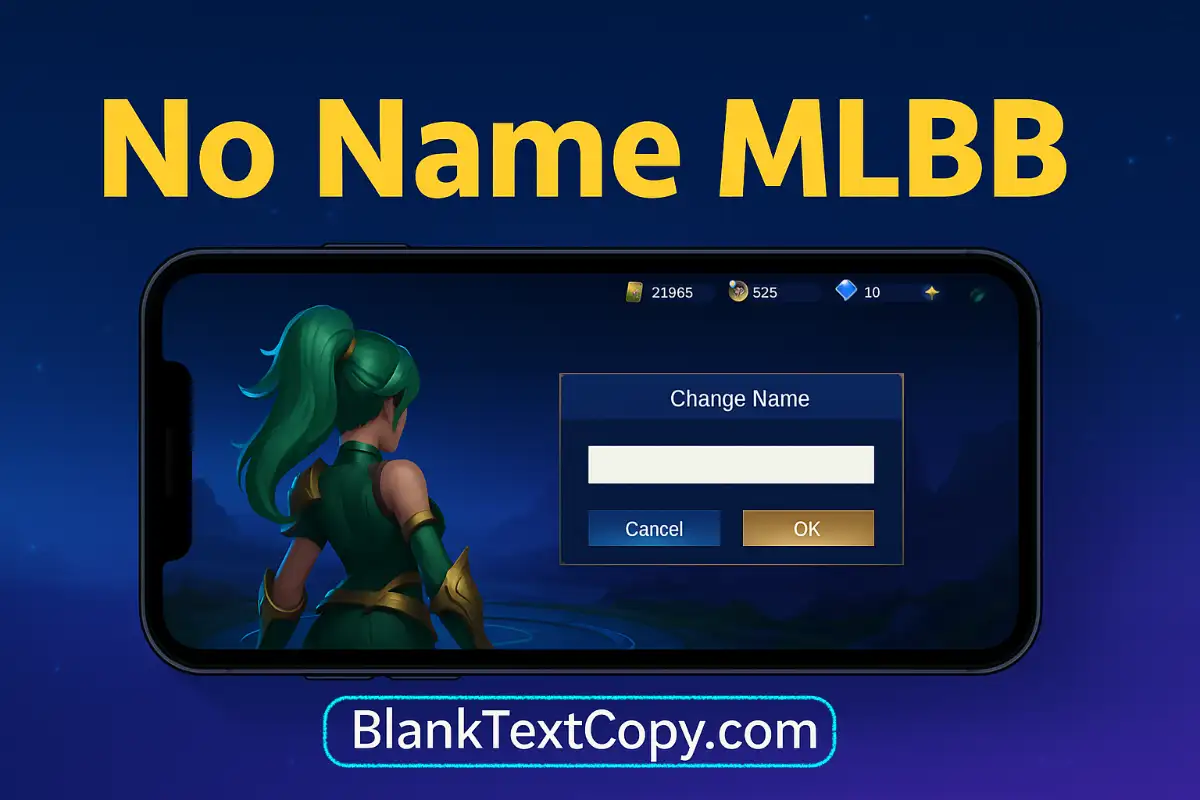
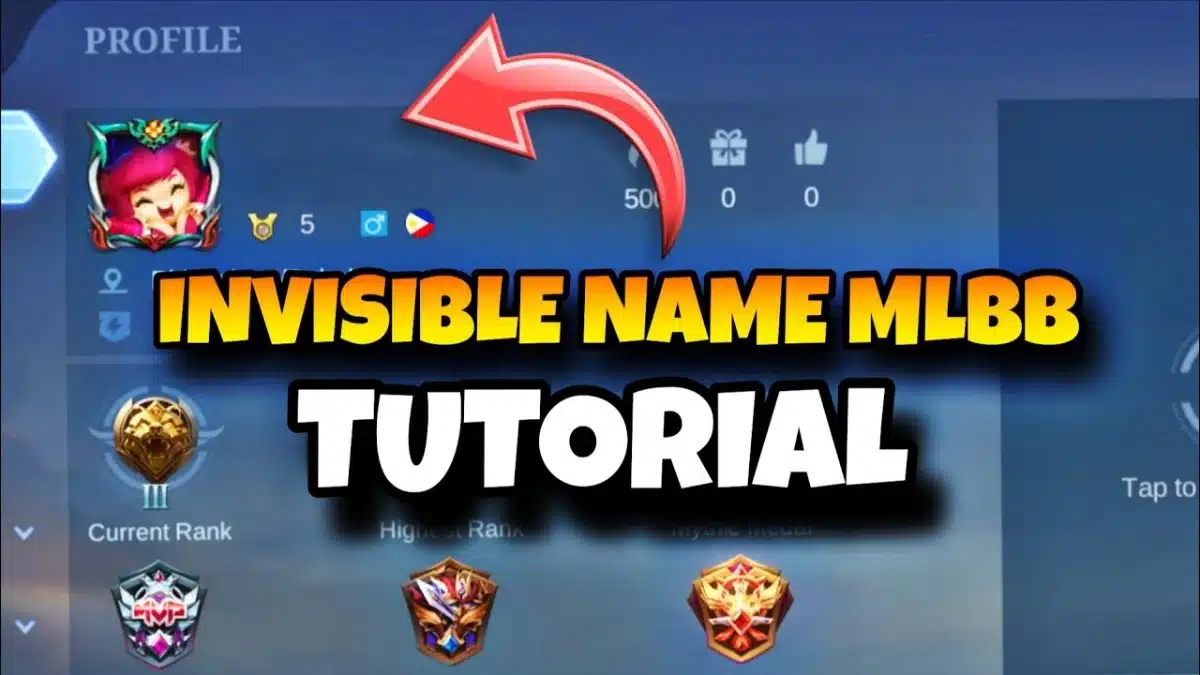
Players are always looking for ways to stand out, and using a no name MLBB or invisible name MLBB is one of the coolest tricks to do it. In this guide, you’ll learn exactly how to use a blank name Mobile Legends trick to safely hide name MLBB without breaking the game’s rules.
Blank Name MLBB: What It Is and Why Players Love It
A blank name MLBB (also called no name MLBB or invisible name MLBB) is a Mobile Legends account that looks like it has no nickname at all. Instead of normal letters or symbols, the player uses a special invisible / blank character, so the name field appears empty in the lobby, match loading screen, or friend list.
Many players like this style for a few reasons:
- It makes the account look mysterious and unique, especially in ranked games.
- It’s harder for others to instantly remember or search your exact name.
- It fits well with certain skins or playstyles where you want a clean, minimalist profile.
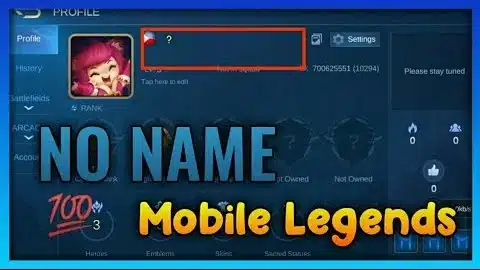
Technically, a blank name MLBB is still a valid name: the game reads it as a Unicode character, even if other players only see “nothing”. That’s why you’ll often see guides about how to get a blank name MLBB or how to have an invisible name in Mobile Legends using invisible characters instead of normal text.
Right after you understand what a blank name is and why people use it, you can move on to the next section about how to have an invisible name in Mobile Legends (MLBB) and use the Invisible Name MLBB 2026 Generator below to copy the correct blank name character in one click.
How To Have An Invisible Name In Mobile Legends (MLBB) ?
If you’re wondering how to have no name in Mobile Legends or simply want an invisible name MLBB to look more unique, the trick is to use a special blank / invisible character instead of normal letters. Mobile Legends will read it as a valid name, but other players will see it as completely empty.
Right below this section, you’ll find the Invisible Name MLBB 2026 Generator. This tool creates the correct invisible character for you, so you don’t have to search or guess which symbol works.
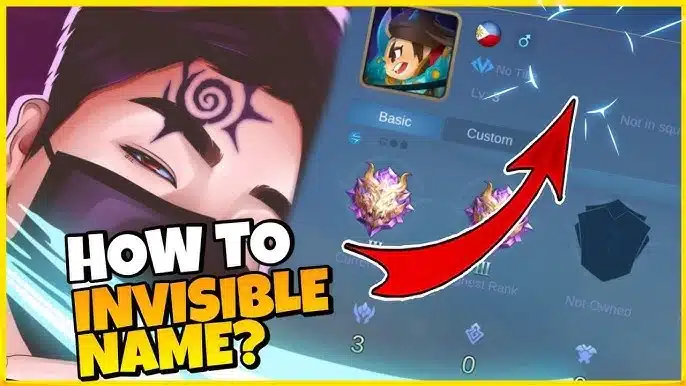
Here’s how to get an invisible name MLBB using the generator:
- Scroll down to the Invisible Name MLBB Generator.
- Click the button to generate and copy the invisible / blank name.
- Open Mobile Legends → go to the Change Name section.
- Delete your old name completely, then paste the copied invisible name into the name box (do not type anything else).
- Confirm the change. If the game accepts it, you now have a no name / invisible name in Mobile Legends.
This method only uses a Unicode invisible character, so it doesn’t modify the game files. Still, always follow Mobile Legends’ official rules and rename policies in case they update how names work in the future.
😊 If you like stylish nicknames, you can try our cool gun nickname generator and mix it with your no name MLBB style.
No Name MLBB 2026 Copy And Paste
Create more blank name MLBB styles with the no name generator below 👇
✨ Create unique nicknames and no-name styles for Facebook, X (Twitter), TikTok, Instagram, Discord, YouTube, plus Free Fire, CODM, Steam, PUBG, Roblox and more — cute, aesthetic, gamer & fantasy names in just one click.
Invisible Name MLBB Generator
Invisible Name Mobile Legends – Tips & Best Practices
Using an invisible name Mobile Legends is fun, but you should do it smartly:
- Test the name first – Paste the invisible character into a notes app or in–game chat to make sure it really looks blank before using it as your nickname.
- Avoid mixing extra symbols – If you add spaces, dots or emojis around the invisible character, the name may no longer look fully “no name”.
- Respect MLBB rules – If Mobile Legends changes its naming policy, be ready to switch back to a normal nickname to avoid forced renames.
- Keep an alt account for experiments – Try your invisible name on a secondary account first to see how it displays in lobby, friend list and ranked matches.
- Use the generator, don’t guess – Always copy the invisible character from your Invisible Name MLBB Generator instead of random blank text, to avoid errors.
🌀 Before you change to an invisible name in ML copy paste style, you can test the blank character with this
invisible comment tool to make sure it really stays empty.
FAQ – ML Invisible Name
Q: Is a no name / invisible name allowed in MLBB?
A: In most cases, the game simply reads it as a valid Unicode character, so it works. However, rules can change, so always follow the latest Mobile Legends naming policies.
Q: Why doesn’t my invisible name Mobile Legends work after I paste it?
A: Make sure you deleted your old name completely and only pasted the character from the generator. If you see even one dot, emoji or letter, it’s not a true blank name.
Q: Can I use the same blank name Mobile Legends on multiple accounts?
A: Yes, as long as the game accepts it. The invisible character itself is not tied to a single account.
Q: Is it risky to hide name MLBB like this?
A: The method is safe as long as you only use the invisible character and never enter your password or OTP into third-party websites. Your nickname may be reset if MLBB later blocks invisible names, but your account should remain safe if you protect your login details.
💌 After setting your Blank Name Copy And Paste ML profile or invisible name in ml copy paste, use this
I love you copy and paste collection to send cute messages in chat.
- Funny Truecaller Names For Girl & Boys 2026 – Telugu, Indian
- Best Truecaller Name 2026 – Attitude Truecaller ID Names
- 45+ BGMI Danger Name Styles for Boys & Girls (2026)