Macro FF is usually what players call faster, more consistent combo input—clean aim drag, stable taps, and repeatable movement—so your fights feel smoother and your headshots land more often. The best results come from HUD comfort + sensitivity tuning + daily drills, not from random “max” numbers.
Macro FF Auto Headshot 2026
💎 Free Fire ID & Trending Unique Bio Hub 💥
Need a pro-looking Free Fire profile with perfect bio style, colour code, house art or weapon line? Use these tools and ready-made codes to customize your FF ID, V Badge, love bio and gun/M1887 signature in seconds.
Best Macro FF Headshot Settings In 2026
Below are practical presets you can actually use. These are not “magic numbers”—they’re high-quality starting templates.
Preset A: Balanced Ranked (Stable And Clean)
Good for most phones and most playstyles.
- General: 95–105
- Red Dot: 90–100
- 2x: 82–92
- 4x: 74–86
- Sniper: 40–50
- Free Look: 85–95
HUD tips
- FIRE button size: 45–55% (start here, adjust by feel)
- FIRE opacity: 20–35% (visible enough, not blocking view)
- Keep SCOPE close to FIRE but not overlapping
Preset B: Rusher / Shotgun (Close Fight “Full Red” Feel)
Best when you fight close and flick often.
- General: 100–115
- Red Dot: 95–110
- 2x: 85–100
- 4x: 78–95
- Sniper: 38–48
- Free Look: 90–100
HUD tips
- Make FIRE slightly bigger if you miss taps: +5–8%
- Keep JUMP + CROUCH close for smooth combos
- Place Gloo Wall reachable but not near FIRE (to avoid panic mis-taps)
Preset C: Sniper / Long Range (Micro Control)
If your long-range feels jumpy, this is safer.
- General: 85–100
- Red Dot: 80–95
- 2x: 75–90
- 4x: 68–84
- Sniper: 35–45
- Free Look: 80–92
HUD tips
- Keep SCOPE comfortable and not blocking the center
- Reduce “shaky” feeling first by lowering Sniper and 4x by 3–5
The Best Tuning Method (Don’t Skip)
- Change one thing only
- Test 2 minutes
- Decide
- Repeat
If you change 5 settings at once, your hands will never stabilize.
Cool 👉 35+ Free Fire Bio Code M1887 Copy And Paste
Free Fire Bio Code M1887 stylish
What FF Macro Means In Free Fire ?
In Free Fire, FF Macro commonly means macro-feel: your actions feel “automatic” because your hands are consistent, not because the game is being changed.
A real FF macro-feel setup is built from:
- A clean HUD layout (FIRE/SCOPE/JUMP/CROUCH placed to avoid mis-taps)
- Sensitivity ranges that match your device (smooth drag without overshoot)
- A repeatable routine (same drill, same timing, same tuning steps)
If your goal is “more red numbers,” start by making your inputs repeatable.
Get now 👉 Free Fire Redeem Codes – Rewards FF Today
What Macro FF Auto Headshot Really Means
When players say Macro FF Auto Headshot, they usually mean:
- Faster head-level drag
- Cleaner close-range combos (jump–crouch, quick peek shots)
- Less panic spray because the setup feels stable
A good “auto headshot feel” comes from two things working together:
- Sensitivity that reaches head level quickly but stops cleanly
- HUD spacing that prevents you from tapping the wrong button during a fast fight
A Strong Starting Point (Works For Most Players)
Use these as baseline ranges, then tune by ±5:
- General: 90–110
- Red Dot: 85–105
- 2x: 78–96
- 4x: 70–90
- Sniper: 40–52
- Free Look: 80–95
Fast rule:
- Too shaky / overshoot → General -5, Red Dot -5
- Too heavy / slow to reach head → General +5, Red Dot +5
Get Free Fire diamond UID top up 👉 Free Fire Diamond App – FF Free Diamond Reward 💎
Free Fire Diamond App

How To Use The Free Fire Macro Headshot Training App ?
The Macro-Feel Training App is designed to build that “macro-feel” through drills + timing + checklist (so your muscle memory locks in).
Step-By-Step (3 Minutes To Start)
- Open “Drills” and pick what you want to improve:
- Drag Headshot Drill
- Jump–Crouch Combo Drill
- Gloo Wall Peek Drill
- One-Tap Rhythm Drill
- Hit Start Timer With This Drill
- In Timer, use a simple interval:
- Work: 60s
- Rest: 30s
- Rounds: 6 (~9 minutes)
- After the session, open Checklist and tick what you actually achieved
- Go to Export Plan to copy your weekly routine (or share to friends)
Why This Works For Free Fire
- You stop changing settings randomly
- You train the same drag distance and same button workflow
- Your aim becomes consistent faster than “copy numbers and hope”
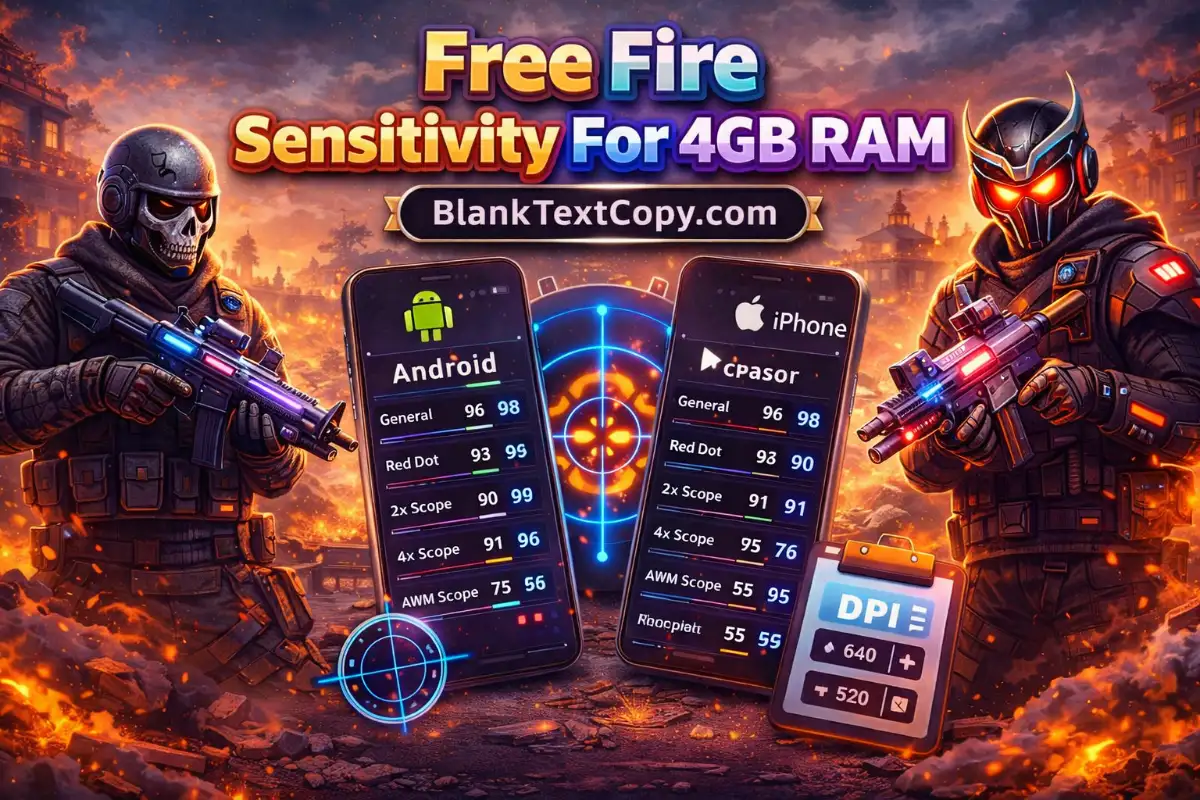
More 👉 Best Free Fire Sensitivity For 4GB RAM
Free Fire Sensitivity For 4GB RAM
How To Download Macro FF Auto Headshot Safely
Many people search “download macro ff auto headshot” because they want quick presets. The safest approach is to use:
- A web-based training tool (no install, works everywhere)
- Or a trusted store listing that clearly offers HUD + sensitivity presets + training
What You Should Avoid
- Random “APK packs” that don’t explain what they do
- Apps asking for unusual permissions
- Any download that claims guaranteed outcomes (that’s never realistic)
Safe Download Checklist (Quick)
- Publisher looks real and consistent
- Permissions are minimal
- Features match what you want: presets + training + export/share
- Reviews mention real use cases (HUD, sensitivity, drills)
Macro Free Fire Headshot Android
On Android, if you’re downloading anything:
- Prefer the official store when available
- If you must use an APK, check permissions carefully and avoid anything that asks for access it doesn’t need
- Keep your setup changes inside HUD + sensitivity + training
Macro FF Auto Headshot iOS (iPhone)
On iPhone:
- You won’t use APK files
- Stick to official distribution (App Store/TestFlight from trusted publishers)
- A web-based tool is often easiest since it works without installing
Cool 👉 75+ Free Fire Bio Style Code Love Stylish- GF BF
Free Fire Bio Style Code Love
FAQ For Auto Headshot Free Fire Macro
What White444 Macro Auto Headshot Usually Refers To
“White444” is typically a community preset label (a shared style of sensi/HUD). Use it as a reference, but tune it:
- If overshooting → General/Red Dot -5
- If heavy → General/Red Dot +5
The name isn’t the key—your hand comfort is.
What Ruok999 Macro Often Means
“Ruok999” is another shared preset label people use to describe a “fast fight” feel. Treat it as:
- A starting template
- Then adjust FIRE size + General/Red Dot to match your device and fingers
What Auto Headshot Macro APK Usually Contains
Most “auto headshot macro apk” downloads are either:
- A preset bundle (numbers and HUD screenshots)
- Or an app that claims too much
Best move: use a clean training-based setup (HUD + sensi + drills) so your progress is stable.
How To Tell If A Macro FF Auto Headshot APK Latest Version Matters
“Latest version” only matters if the app updates:
- preset packs
- training features
- export/share improvements
For your aim results, what matters more is:
- your tuning steps (±5)
- your drill consistency (10 minutes/day)
- keeping one setup for 2–3 days
About “Macro FF Auto Headshot APK No Ban”
No app can honestly guarantee “no ban,” and you shouldn’t rely on that promise. The safest approach is:
- stay within normal settings (HUD + sensitivity)
- use training drills to build consistency
- avoid anything that claims guaranteed outcomes
- Free Fire Redeem Codes September 2026 – Rewards FF Today

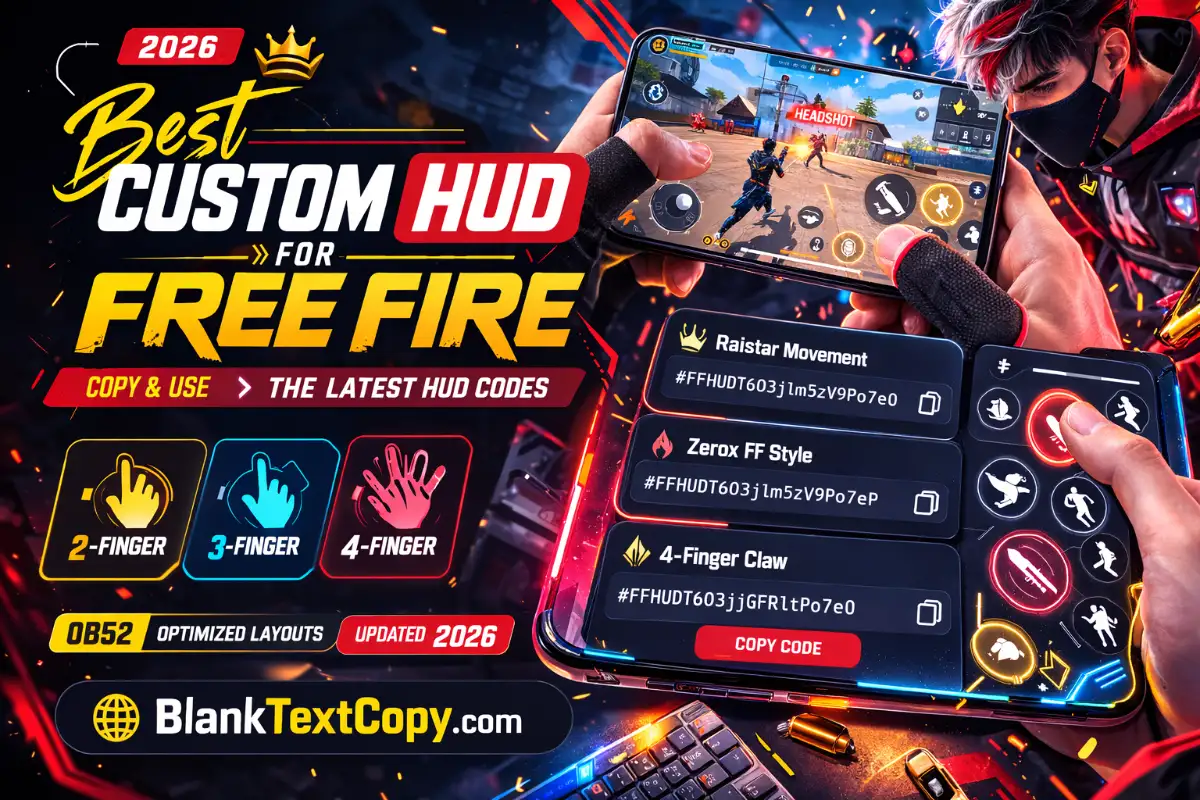
- HUD FF OB55: Best 2-4 Finger Custom HUD Code In FF 2026
- How to Change Your Name on Truecaller 2026 – Top Name Ideas