Dial in a clean one-tap drag with OB54-ready sensitivity presets that feel smooth on real phones, not random “max sliders.” Use the calculator to generate Safe/Balanced/Aggressive settings, then retune in Training in seconds for consistent headshots.
This mini tool is built to help you lock in good sensitivity for Free Fire fast—without digging through endless “perfect numbers.” You select your setup, generate presets, then fine-tune in Training until your drag feels clean and consistent. The goal is simple: smoother crosshair control and more reliable free fire headshot settings for your own device.
FF Sensitivity Headshot 🎯☠️
Pick your setup → generate 3 presets → retune fast in Training.
OB-ready
Presets: Safe / Balanced / Aggressive
Retune: Too Fast • Too Slow • Shaky
•
1 Device & Playstyle
LowBalancedHigh
Pro tip: Always retune in Training after updates. Change only 1–2 sliders per round (±3).
2 Preset Output
SAFE
Anti-overflick • Easy control
Setting
Value
Fire Button Size: Drill: Red Dot → 2x → 4x/AWM. Keep changes small (±3) until it feels “locked in”.
Performance Stability slider (how smooth your FPS feels)
These inputs shape your baseline and help the app suggest a more realistic starting point for headshot sensitivity in Free Fire Max—especially for scopes.
Step 2: Generate Presets (Your “Starting Line”)
Tap Generate Presets to get 3 different profiles:
SAFE: steady control, reduces over-flick
BALANCED: most players’ best everyday option
AGGRESSIVE: faster drag for confident aim
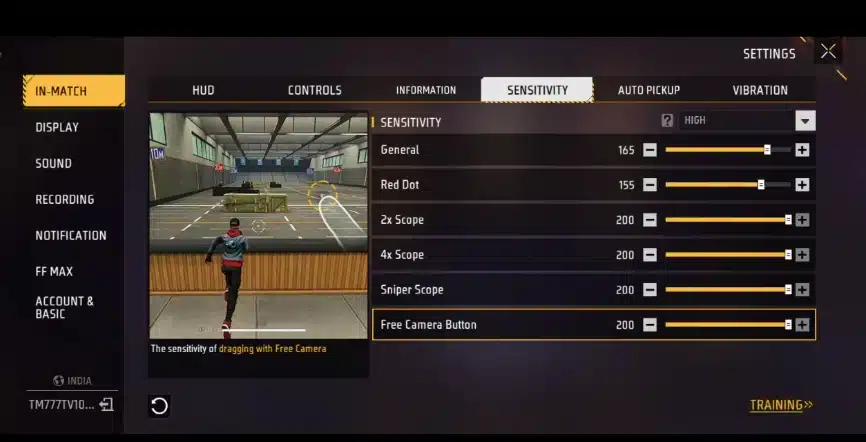
This is where you’ll see your first set of numbers for free fire max sensitivity settings (General, Red Dot, 2x, 4x, AWM, Free Look). If you’re unsure, begin with BALANCED—it’s usually the best baseline for free fire max best sensitivity.
Step 3: Pick Your Goal, Then Choose the Right Preset
Use these quick rules to match your aim style:
Want cleaner drags with less shake? Start SAFE.
Want stable rank gameplay? Start BALANCED.
Want faster drags for close fights? Try AGGRESSIVE.
If you’re chasing one tap sensitivity in Free Fire, don’t jump straight to the highest numbers. A “one tap” feel comes from control + timing, not just speed.
Step 4: Retune in 30 Seconds (This Is the Secret Sauce)
After generating, do this Training drill:
Red Dot (close range): drag from chest to head 5 times
2x (mid range): repeat 5 times
4x + AWM (long range): repeat 3 times
Then use the three retune buttons:
Too Fast → your crosshair over-flicks above the head
Too Slow → you can’t reach head level smoothly
Shaky → scopes wobble, especially 4x/AWM
This retune loop is why the app stays useful even when patches change. It’s the practical path to best sensitivity for Free Fire Max one tap headshot without pretending one fixed set works for everyone.
Step 5: Use “Max Sensitivity” the Right Way
Many players search for free fire max sensitivity settings or free fire max best sensitivity and crank everything up. That usually causes:
shaky scopes
inconsistent drag distance
random over-shooting
If you truly want free fire max sensitivity settings that still feel controllable:
push General + Red Dot gradually
keep 4x/AWM slightly steadier
adjust in small steps (±3) per round
This gets you closer to the “fast but clean” zone—often what people mean by free fire headshot settings or “sensitivity free fire auto headshot” (remember: no setting guarantees headshots, your timing does).
Step 6: Copy & Save Your Preset
Once the preset feels right:
Tap Copy Preset
Paste it into your notes or share it with teammates
If the next update drops and you feel different aim behavior, don’t panic—just regenerate and retune. That’s how you keep good sensitivity for Free Fire all year instead of chasing random numbers.
Quick Tips (Pro-Style):
If your aim feels inconsistent, lower graphics and stabilize FPS first.
Change Red Dot first (closest fights decide your rank).
Only then touch 2x, then 4x/AWM.
Smooth drag beats “max numbers” every time.
Use the app as your baseline builder, then polish it in Training. That’s the most reliable way to dial in headshot sensitivity in Free Fire Max and keep improving across every OB update.
Best Sensitivity for Free Fire One Tap Headshot 2026
One-tap headshot isn’t about maxing every slider. It’s about drag distance + stopping control: your crosshair needs enough speed to climb to head level, but enough stability to stop on the hitbox instead of flying past it.
Free Fire sensitivity headshot OB54
A good setup usually follows this rule:
General + Red Dot: higher (for fast drag-up in close fights)
2x: medium-high (for mid-range tracking)
4x + AWM: steadier (too high = shake + overshoot)
Free Look: medium-high (camera control without wobble)
A practical baseline that works for most players (then adjust ±3 in Training):
Best headshot sensitivity in Free Fire
Recommended baseline (balanced one-tap feel)
General: 92–98
Red Dot: 88–94
2x Scope: 84–90
4x Scope: 72–80
AWM Scope: 52–62
Free Look: 80–92
How to lock it in (fast test)
Training → stand close → Red Dot drag from chest to head 5 times
If you overshoot the head: drop General/Red Dot by 3
If you can’t reach the head smoothly: raise General/Red Dot by 3
If 4x/AWM shakes: drop 4x/AWM by 3–5
That’s the simplest path to a clean one-tap sensitivity in Free Fire without chasing unrealistic numbers.
OB updates can change the “feel” (aim assist response, camera speed perception, device stability). Instead of pretending a single set is perfect forever, use an OB54 approach that stays believable:
Best Sensitivity for Free Fire One Tap Headshot
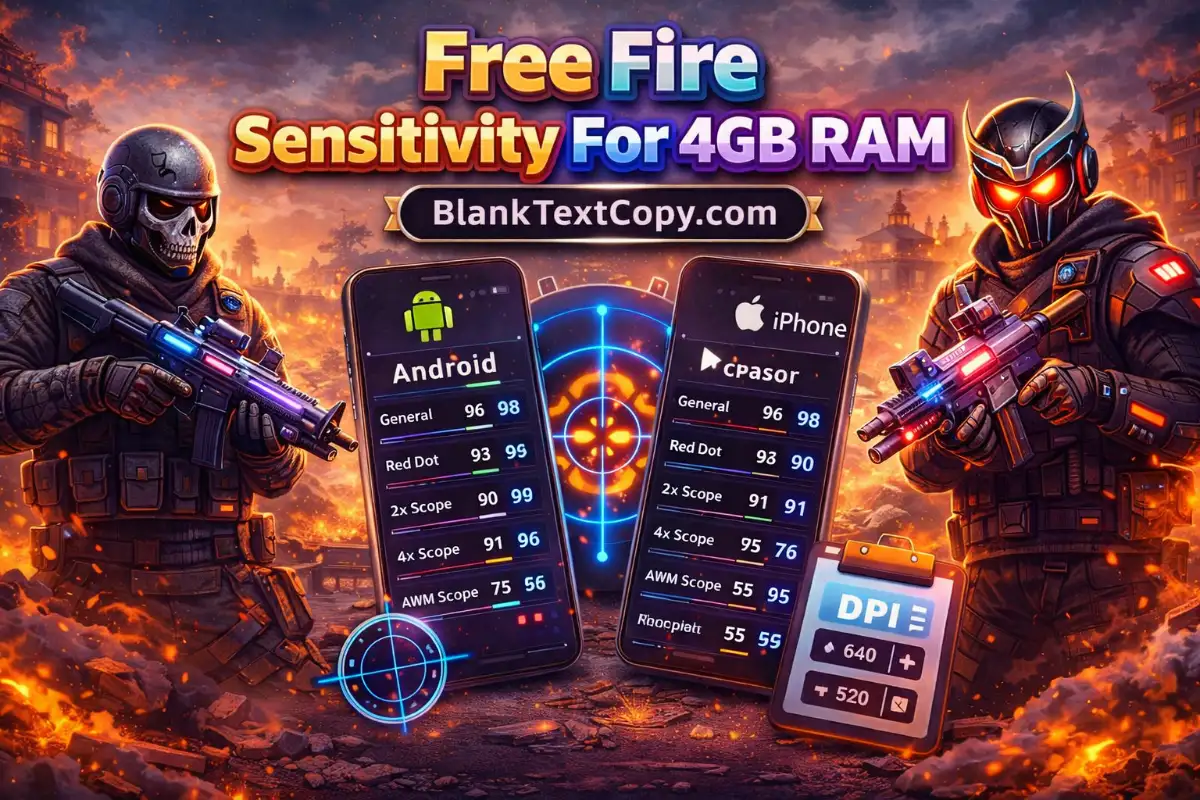
Recommended Sensitivity by RAM (Quick Table)
Use these as a starting point, then retune in Training with small steps (±3). If your scopes feel shaky, lower 4x/AWM first.
Device RAM
General
Red Dot
2x Scope
4x Scope
AWM Scope
Free Look
3GB RAM (Stability First)
94–100
90–96
84–90
66–74
46–56
82–92
4GB RAM (Rank-Ready)
92–98
88–94
84–90
70–78
50–60
80–90
6GB RAM (Smooth Control)
90–96
86–92
84–90
72–80
52–62
80–90
8GB RAM (Aggressive Safe)
88–94
84–90
82–88
74–82
54–66
78–88
Quick retune rules
Too Fast (overflick): General -3, Red Dot -3
Too Slow (can’t reach head): General +3, Red Dot +3
Shaky scopes: 4x -4, AWM -4 (keep General the same)
8GB RAM devices are typically stable enough to run a more aggressive drag-up while still keeping scope control. Don’t push 4x/AWM too high—stability doesn’t mean “max everything.”
Suggested settings (8GB RAM)
General: 88–94
Red Dot: 84–90
2x Scope: 82–88
4x Scope: 74–82
AWM Scope: 54–66
Free Look: 78–88
If you want a stronger one-tap feel
General +2 and Red Dot +2
Keep 4x/AWM the same to avoid wobble
Free Fire Sensitivity for PC
PC sensitivity depends heavily on DPI, in-game mouse sensitivity, polling rate, and resolution. So instead of giving one fake number, use a stable method:
PC method (clean headshot control)
Pick a DPI you can control (common: 800 or 1600)
Set in-game sensitivity to a mid value
In Training, drag from chest to head in one smooth motion:
If you overshoot head height, reduce sensitivity slightly
If you can’t reach head height, increase slightly
Confirm with 2 distances:
close range (Red Dot equivalent feel)
mid range (2x equivalent feel)
PC tip that actually matters
A stable mousepad distance matters more than “max sensitivity.” One-tap on PC is about repeating the same micro-flick distance consistently.
Best Sensitivity for Free Fire Auto Headshot in Mobile 2026
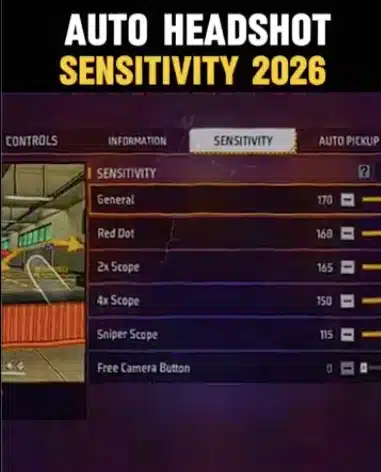
“Auto headshot” on mobile is really the feeling of clean drag + stable stop (aim assist helps, but your control does the work). The best way to build a reliable setup in 2026 is: keep General + Red Dot fast enough for drag-up, and keep 4x/AWM steady so your scope doesn’t shake or overshoot.
A safe mobile baseline (then fine-tune ±3 in Training):
General: 92–98
Red Dot: 88–94
2x Scope: 84–90
4x Scope: 70–78
AWM Scope: 50–60
Free Look: 80–90
Below are brand-focused starting ranges that feel more realistic for common phone behavior. Pick your device group and adjust small.
Quick FF Sensitivity Auto Headshot Table
Pick your brand as a starting point, then retune in Training with small steps (±3). If scopes feel shaky, lower 4x/AWM first.
Brand
General
Red Dot
2x Scope
4x Scope
AWM Scope
Free Look
iPhone
90–96
86–92
84–90
72–80
52–62
78–88
Samsung
92–98
88–94
84–90
68–76
48–58
80–90
vivo / iQOO
90–96
86–92
84–90
70–78
50–60
80–90
Redmi
94–100
90–96
84–90
66–74
46–56
82–92
POCO
90–96
86–92
84–90
72–80
52–62
78–88
Fast retune rules
Overflick (too fast): General -3, Red Dot -3
Can’t reach head (too slow): General +3, Red Dot +3
Shaky scopes: 4x -4, AWM -4 (leave General unchanged)
There’s no “paid sensitivity” that magically gives headshots. What people call “paid” is usually a combo of stable FPS, clean HUD placement, and sensitivity that matches their drag distance. If your screen feels inconsistent, fix performance first (graphics, background apps, overheating), then retune your General + Red Dot in small steps (±3).
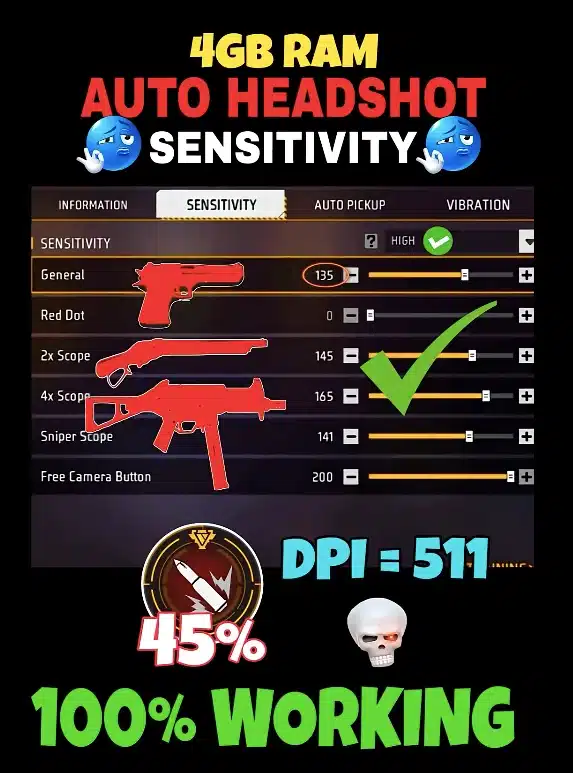
Best DPI for Free Fire 4GB RAM Headshot
For 4GB RAM devices, DPI should stay in a range you can control without jitter. A solid starting range is 400–600 DPI (balanced control). If your drag feels slow, increase slightly; if your aim shakes, reduce DPI and retune sensitivity instead of forcing high DPI.
Best DPI for Free Fire 8GB RAM Headshot
With 8GB RAM, you can run a smoother feel, but DPI still shouldn’t be extreme. A safe, high-performance range is 500–800 DPI. Higher DPI can feel faster, but it also increases micro-movement—if your scopes get shaky, lower DPI a bit and keep 4x/AWM steadier.
Free Fire Ki Best Sensitivity
The “best sensitivity” is the one that lets you repeat the same drag from chest → head consistently. Start with a balanced baseline (higher General/Red Dot, steadier 4x/AWM), then use Training to confirm:
Overshoot head level → lower General/Red Dot
Can’t reach head level → raise General/Red Dot
Scope wobble → lower 4x/AWM first
Good Sensitivity for Free Fire
“Good sensitivity” means you can aim comfortably in real matches—close fights, mid-range sprays, and long-range scopes—without overflicking. In most cases:
General/Red Dot: higher for fast drag
4x/AWM: lower for stability
Adjust ±3 and keep changes minimal until it feels locked in.
Free Fire Sensitivity Headshot
For headshots, your priority is control at the stop point. If you’re missing headshots even with high sensitivity, don’t keep pushing numbers up. Instead:
Stabilize your scope sliders (4x/AWM)
Tune General/Red Dot for drag speed
Practice short, consistent drags in Training That’s how you build reliable headshot sensitivity in Free Fire Max over any OB update.