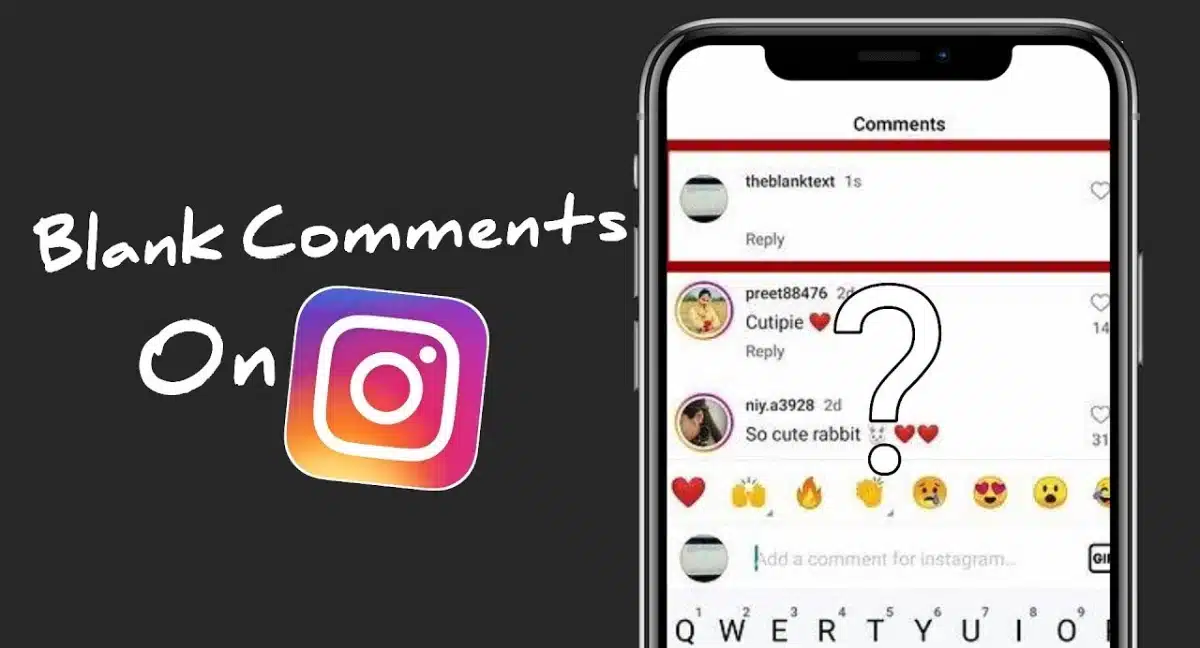
This page shows you exactly how to make a blank comment on Instagram using safe empty character messages that look like pure space but still count as text. Scroll down to copy ready-made blank Instagram comments or use the generator to create your own invisible comment and paste it into posts, captions or DMs.
This section gives you ready-made blank comment Instagram copy and paste lines you can use without installing any extra app. Instead of a normal emoji or word, you post a completely empty comment that uses special invisible characters, so it looks like nothing is there but Instagram still accepts it as text.
Blank Comment Instagram
Just scroll down, tap to copy one of the blank comment presets, then go to Instagram → open a post → paste into the comment box and hit send.
𓊆SHORT𓊇
𓊆 MEDIUM 𓊇
⠀ ⠀ ⠀ ⠀ ⠀ ⠀ ⠀ ⠀
⠀ ⠀ ⠀ ⠀ ⠀ ⠀ ⠀ ⠀ ⠀
𓊆LONG BLANK COPY AND PASTE𓊇
𓊆VERY LONG BLANK COMMENT FOR INSTAGRAM COPY AND PASTE𓊇
You can use these empty characters for silent reactions, spacing in threads, or to make your profile look more minimal and mysterious.
Create as many custom styles as you like with empty character Instagram generator below👇
💥🌸🌿 Need more ideas for your Instagram bio and captions? Use these tools to build stylish fonts, ready-made bios and catchy nicknames that look clean on your profile.
If you want more control over how long or how “wide” your empty text is, use this blank message Instagram generator. It creates custom invisible strings using special blank characters that work in Instagram comments, DMs, bios and captions.
Scroll down to the app below, choose the length or style of blank you want, then tap the button to generate and copy. After that, paste the blank message into any Instagram field — comments, DMs, or even your bio — to create clean empty spaces and silent reactions exactly the way you like.
More tools for messages, comments, nicknames & invisible text:
A blank comment on Instagram is a comment that looks completely empty, even though it contains a special invisible character instead of normal text.
People use these blank comments for silent reactions, clean minimal feeds, or to create spacing in threads and replies without typing any words. They are made with Unicode characters, not with hacks or dangerous apps.
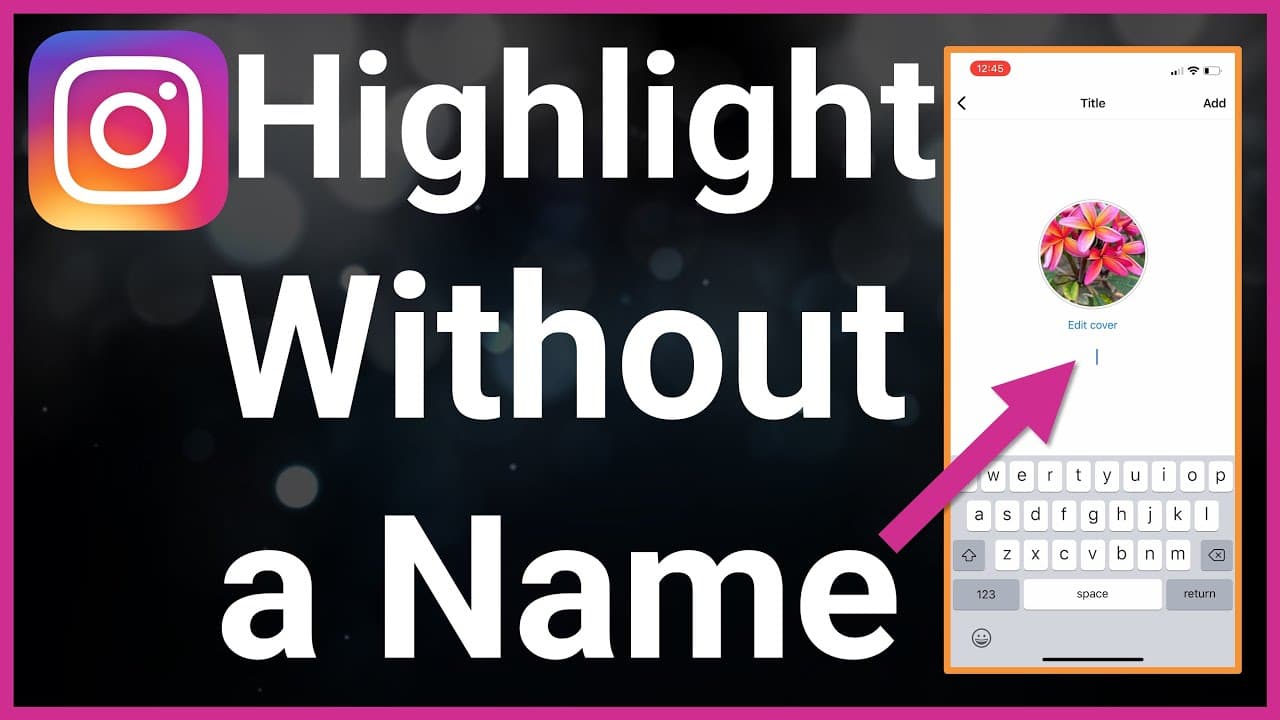
Blank Space For Instagram Highlights Without A Name
FAQ: Blank Comment Instagram & Empty Character Messages
Why doesn’t my blank comment on Instagram always work?
Sometimes Instagram updates how it handles spaces and characters, so not every invisible symbol is accepted. If your blank comment Instagram test fails, try a different empty character, or copy a preset from a trusted generator instead of typing a normal space by yourself.
Yes, using an invisible Unicode character is just another form of text, so it’s generally safe. The important thing is to avoid installing shady “hack” apps or giving your login to third-party sites that claim to unlock secret blank Instagram comment tricks.
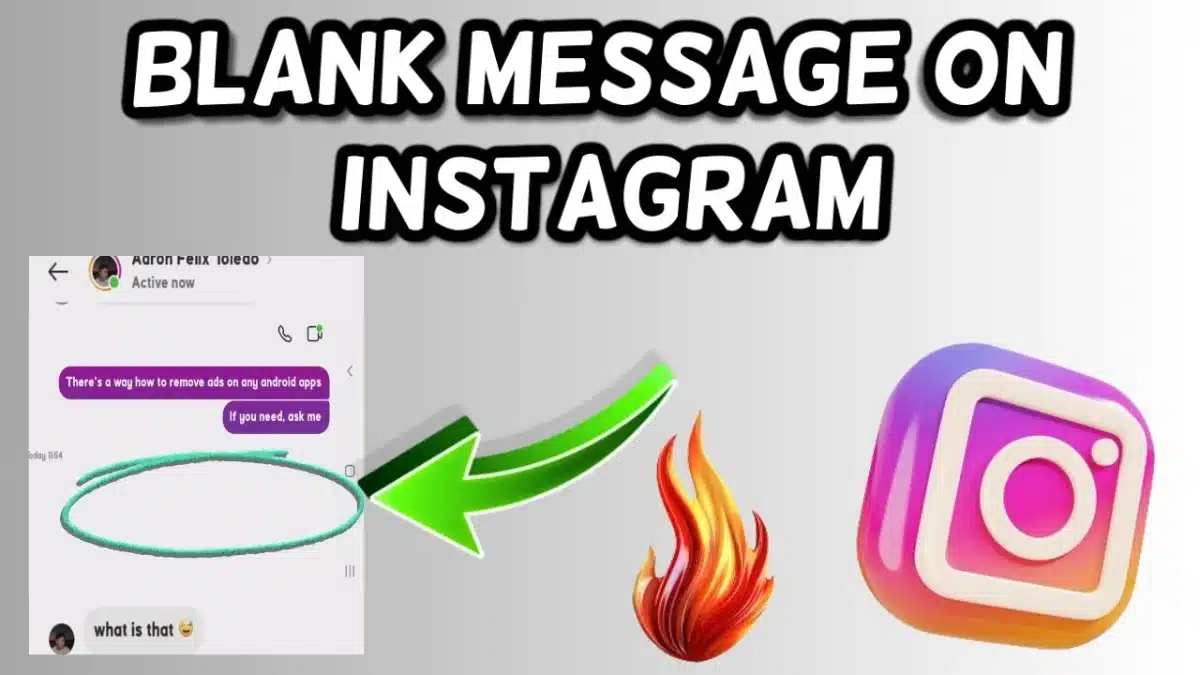
Blank message Instagram
Will blank Instagram messages look the same on all phones?
Not always. Most devices will show a blank message as an empty line, but some older phones or custom fonts may display a small box or dot instead. If you want to be sure, test your empty comment with a friend who uses a different phone.
Can I use blank comments in my Instagram bio or username?
You can use invisible characters in your bio for spacing, but Instagram is stricter with usernames. Some empty character combinations may be rejected or removed later. It’s safer to keep your username readable, and use blank characters only for comments, captions and DMs.
Can I get banned for sending too many blank comments?
A few blank WhatsApp-style or Instagram empty messages are fine, but if you spam the same blank comment repeatedly, Instagram’s spam filters might temporarily limit your actions. Use blank comments for fun, minimal reactions or creative layouts—not for aggressive spam.