An Adopt Me invisible name and simple “invisible” avatar look are fun ways to make your profile stand out in trades, role-play and videos. In this guide, you’ll learn how to get an invisible name in Adopt Me with copy and paste blank characters, plus easy tips to style an almost invisible avatar in 2026.
In this part of the page you can place your ready-made blank characters. Players simply tap or click to copy, then paste them in-game:
𓊆COPY SIMBLE BLANK NAME𓊇
️
⠀ ⠀ ⠀ ⠀ ⠀ ⠀ ⠀ ⠀
⠀ ⠀ ⠀ ⠀ ⠀ ⠀ ⠀ ⠀ ⠀
╚»⭐ BlankTextCopy.com 🌟«╝
👻 Adopt Me Invisible Name Generator
🐾 Create an Adopt Me invisible name, copy blank characters, add hidden spaces to your Roblox Adopt Me pet name, player name, roleplay text, or profile style, and generate clean invisible text with cute symbols instantly. ✨
👻 Quick Invisible Name Copy
Choose how many invisible characters you want, then copy a blank name for games, profiles, bios, or social apps.
🛡️ If a game or app rejects your name, reduce the number of spaces or remove extra decorations.
Create more styles with invisible name generator below👇
💥🌸🌿💓 Want more ideas for your name, bio, profile or comments on social media and games? Use these free tools to create stylish names, invisible names, fancy fonts, text art and ready-made comments.
Adopt Me Invisible Name – What It Is and Why Players Like It
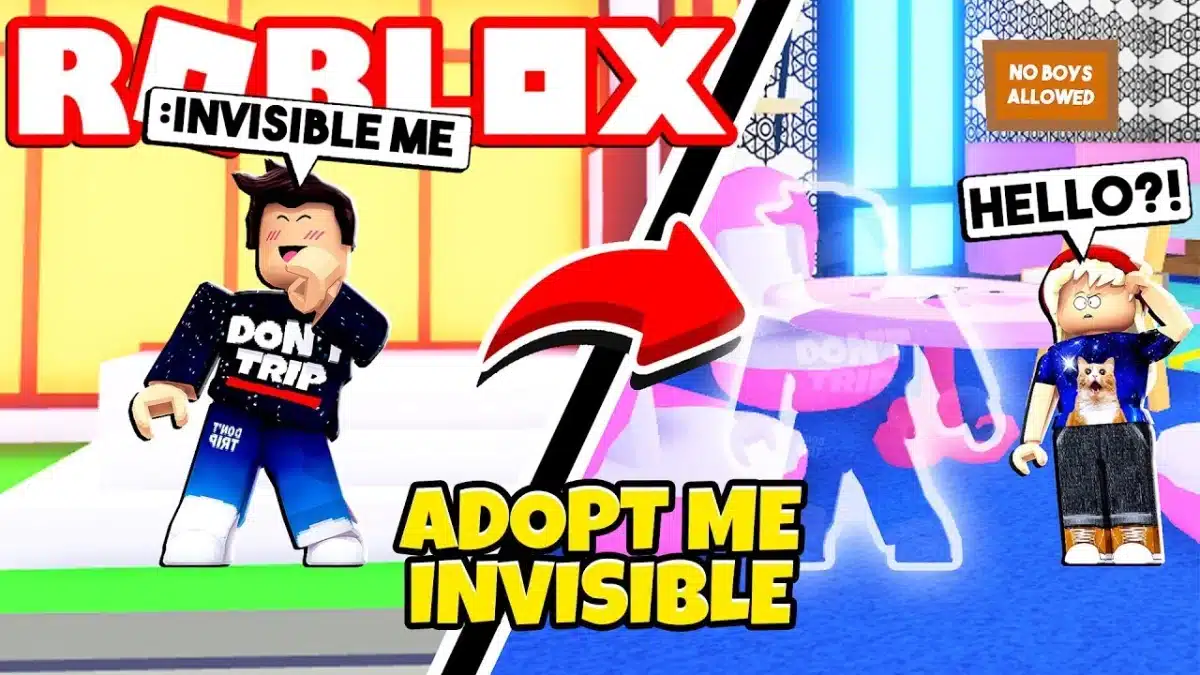
An Adopt Me invisible name is a nickname that looks completely empty in lobbies, trades and chat. Instead of normal letters, the player uses a special blank character so it seems like the account has no name at all.
Many players like this style because it makes their profile look clean, mysterious and unique, and it is a fun way to stand out without using fancy symbols or long text.
Adopt Me Invisible
How To Be Invisible In Adopt Me 2026
There are two popular “invisible” tricks in Adopt Me:
Making your profile name invisible, and
Styling an avatar that looks almost invisible in-game.
In this section we focus on the name trick first. The idea is simple: you copy a special blank character and paste it into the name field instead of normal text. You do not need any external apps or cheats, and you should never share your password or login details.
Below you will find:
How To Make Your Name Invisible In Adopt Me On Mobile ?
To get an invisible name on mobile, follow these steps:
Scroll down to the “adopt me invisible name copy and paste” section below and copy one of the blank characters or presets.
Open Roblox on your phone and start Adopt Me.
Go to the place where you can change your name (for example your role-play name or display name, depending on what you want to change).
Delete your old name completely so the box is empty.
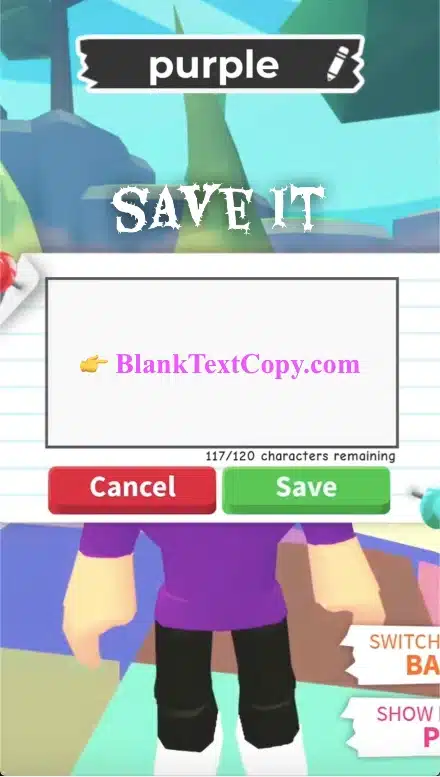
Paste the blank character you copied earlier into the name box — do not add extra spaces, dots or emojis.
Confirm the change. If the game accepts it, other players will now see your name as empty, even though the game still reads it as a valid character.
Adopt Me Invisible Name
If the name does not look invisible, repeat the steps and make sure you copied the blank character from this page and removed all other text.
Adopt Me Invisible Avatar 2026
You can’t make a fully invisible avatar in Adopt Me, but you can get very close to a simple, invisible avatar style by using ultra–light colours and clean outfits. A popular trick in 2026 is to use a plain white or almost transparent profile picture so your character looks minimal and “ghost-like” in thumbnails, trades and screenshots.
If you want a ready–made image for your Adopt Me invisible avatar, you can download white and blank profile pictures from this invisible avatar generator for Discord and reuse them as your Roblox / Adopt Me avatar icon. Just save the image to your device, upload it in the Roblox avatar settings, then combine it with a light outfit in game for a cleaner, almost invisible look.
Besides a blank name, many players also like to create an Adopt Me invisible avatar look in 2026. You cannot make your character truly disappear, but you can use simple tricks to make your avatar blend into the background:
Choose skin-coloured or very light outfits that match the map or sky.
Use minimal accessories so your character looks clean and almost empty from a distance.
Combine a blank or very short display name with a simple outfit to make your avatar look even more “ghost-like”.
These are cosmetic role-play tricks only and do not give any gameplay advantage, but they are fun for screenshots, TikTok clips and unique role-play themes in Adopt Me.
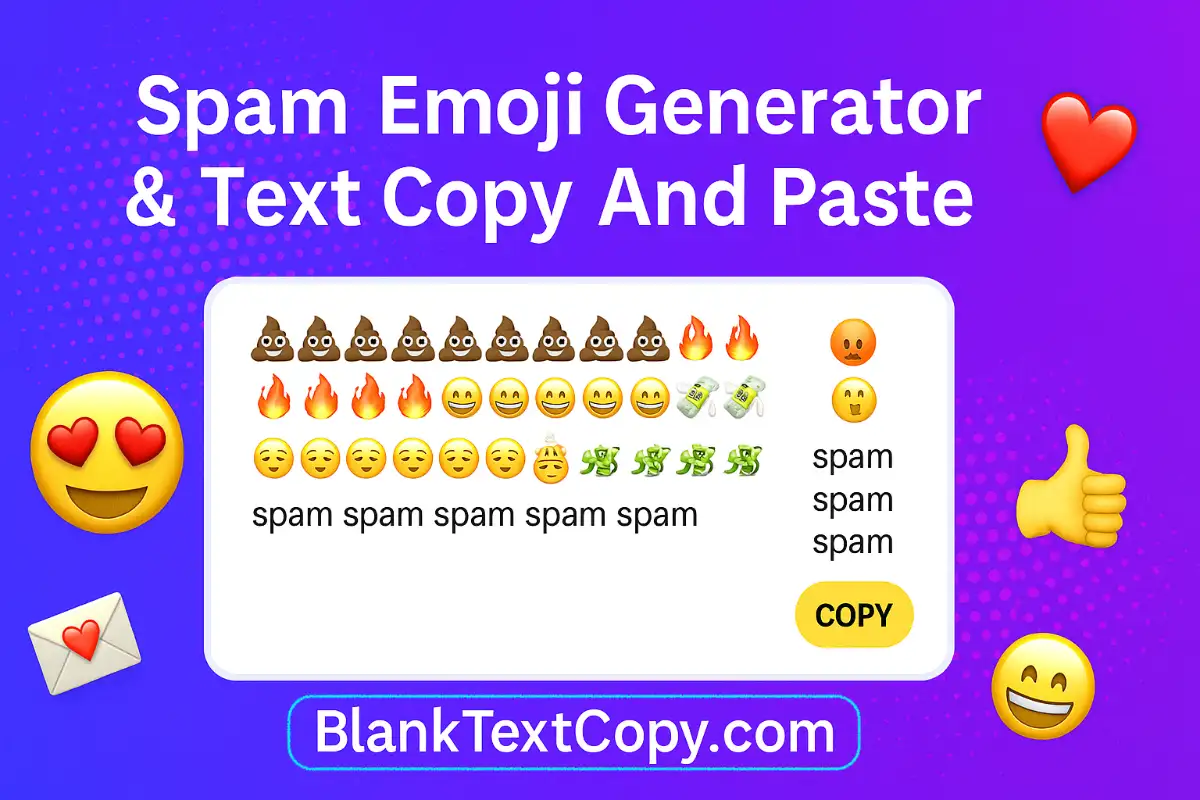
💫 After your invisible name and avatar are ready, make your Adopt Me chats more eye-catching with this emoji spam text generator
Spam Emoji
FAQ – Invisible Name & Avatar in Adopt Me
Q1: Is an invisible name in Adopt Me allowed? Yes, as long as you only use a blank Unicode character and follow Roblox/Adopt Me naming rules. The game still reads it as a normal character, even if other players see it as empty.
Q2: Can I get banned for using a blank or invisible name? Normally no, because you’re not using exploits or external programs. However, you should always follow Roblox’s Terms of Use and be ready to change your name if the game updates its policies.
Q3: Why doesn’t my invisible name work after I paste it? Make sure you copied the blank character from this page, deleted your old name completely, and didn’t add extra spaces, dots, or emojis. If any visible symbol remains, the name won’t look truly invisible.
Q4: Is it possible to have a fully invisible avatar in Adopt Me? You can’t make your avatar 100% invisible, but you can create a “ghost-like” look with very light outfits, simple accessories, and colours that blend into the map. This is only a visual role-play style, not a real invisibility feature.
Q5: Do I need any apps or hacks to do this? No. You only need the copy and paste blank characters on this page and the normal Roblox avatar editor. Avoid any tools that ask for your password, Robux, or promise real invisibility hacks.
✨ Before you set your invisible name in Adopt Me, you can test the blank characters with this invisible text & comment tool