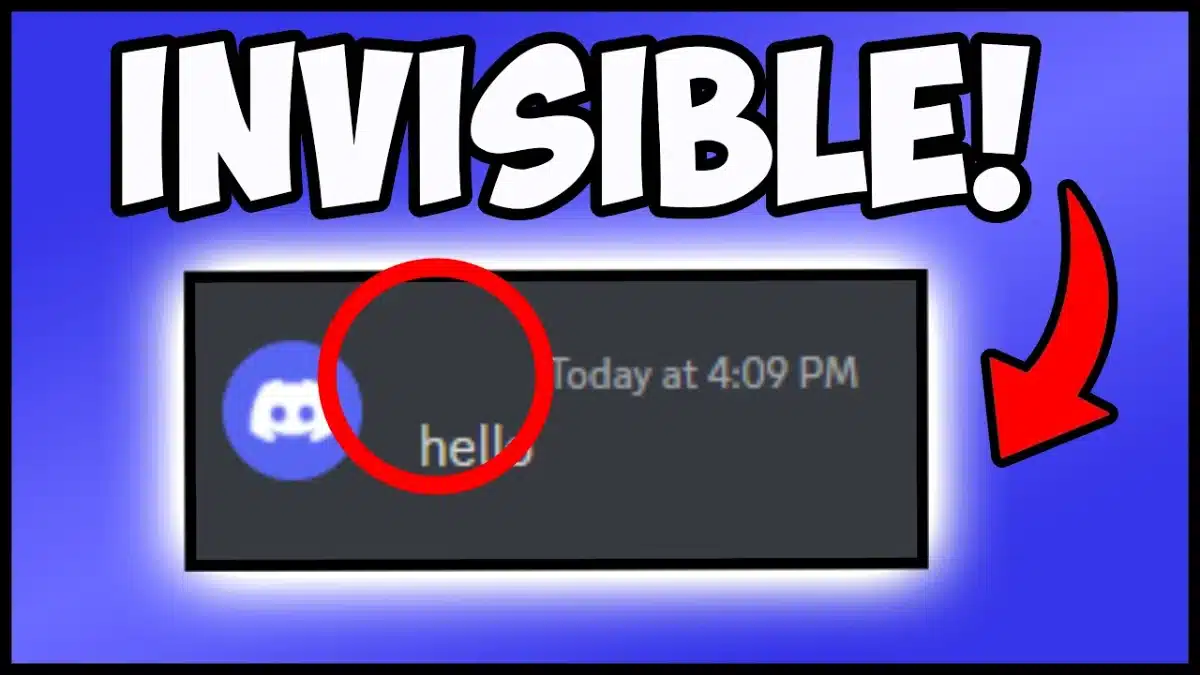
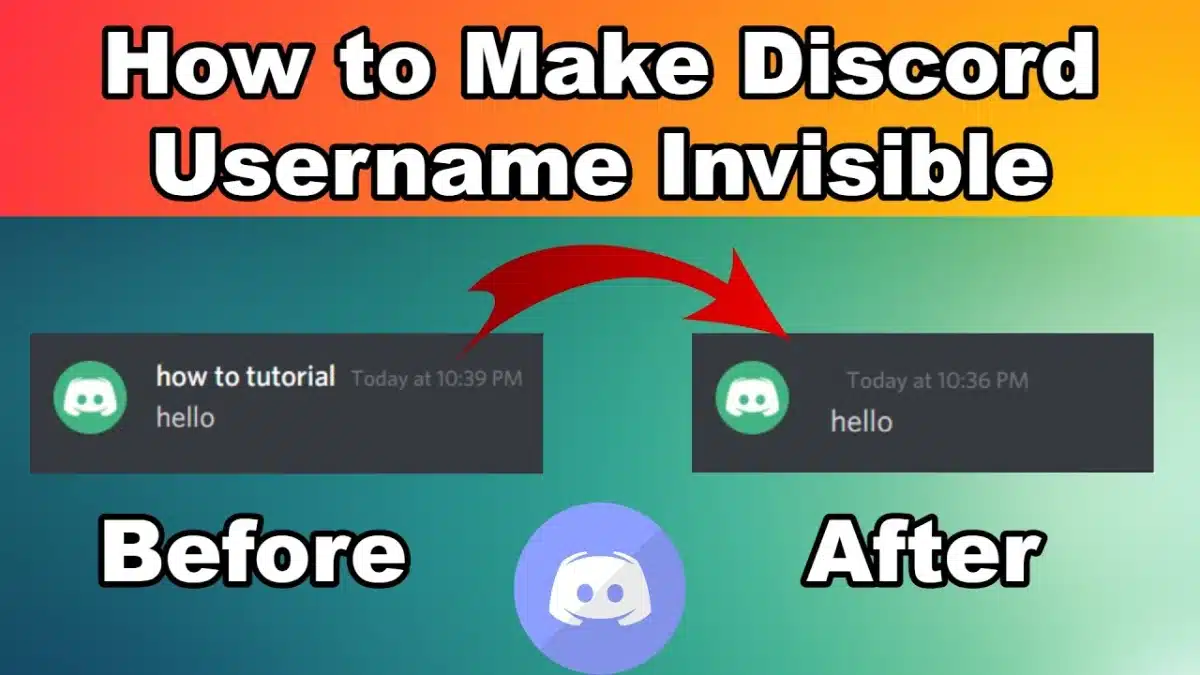
Discord remains the go-to app for communities, gaming groups, and study servers. By 2026, many users are still exploring creative tricks to customize their accounts. One of the most popular is setting an invisible name on Discord. Instead of showing letters or emojis, your username appears completely blank — often paired with a transparent avatar for a “ghost profile.”
This guide explains how to use blank characters, empty text, and hidden Unicode symbols to get a blank Discord name, profile, and even send empty messages.
The trick behind an invisible Discord name is simple: instead of using normal spaces (which Discord blocks), you paste Unicode whitespace characters.
𓊆COPY THIS𓊇
️
⠀ ⠀ ⠀ ⠀ ⠀ ⠀ ⠀ ⠀
⠀ ⠀ ⠀ ⠀ ⠀ ⠀ ⠀ ⠀ ⠀
Discord Invisible Name Generator
Create more Discord blank nick name styles or custom invisible messagewith app below 👇
╚»⭐ BlankTextCopy.com 🌟«╝
👻 Invisible Name Discord Generator
💬 Create an invisible Discord name, copy blank characters, add hidden spaces to your Discord nickname, username style, server name, or profile text, and generate clean invisible text with stylish symbols instantly. ✨
👻 Quick Invisible Name Copy
Choose how many invisible characters you want, then copy a blank name for games, profiles, bios, or social apps.
👉 The easiest way to try them is through the Blank Text Generator. It provides ready-to-copy invisible characters and a preview with [• •] markers so you can see what you’re pasting.
These include:
Zero-Width Space (U+200B): invisible, zero width.
Non-Breaking Space (U+00A0): blank space that doesn’t collapse.
Hangul Filler (U+3164): older but still used for blank usernames.
Braille Blank (U+2800): appears empty in many fonts.
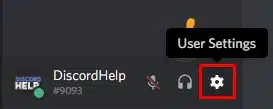
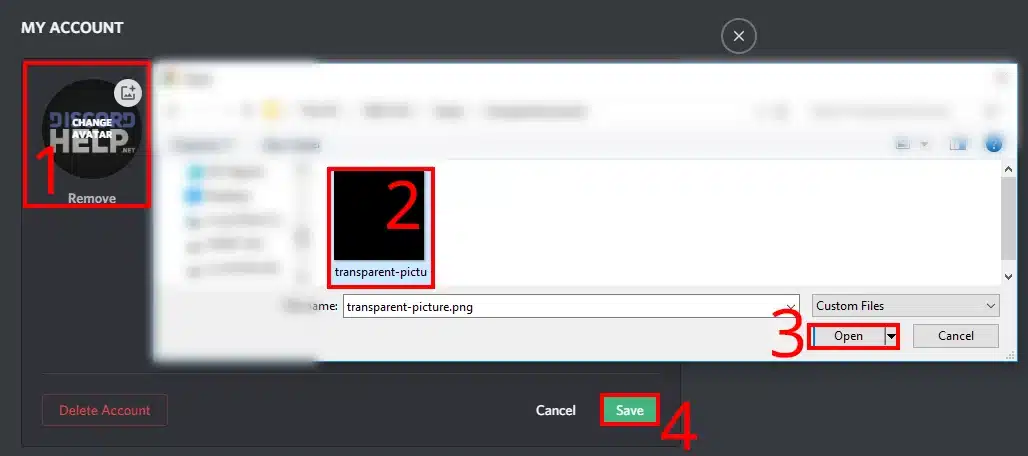
Step 2: Go to Discord → User Settings → Edit Profile.
User Settings – Invisible Discord PFP
Step 3: Upload the blank PNG as your avatar.
How to Have Invisible Discord Profile
Step 4: Save changes.
Your invisible Discord PFP now looks like a “ghost account” with no visible name or avatar. Many users also set their bio with empty text for a fully blank Discord profile.
This method is similar to creating a blank Facebook profile — the combination of invisible names and empty avatars creates a clean, minimal style.
How to Get Invisible Name in Discord ?
Some users prefer a fully blank name, while others use a mix of empty characters and symbols for style.
Fully invisible name: Paste only blank characters (ZWSP or Hangul Filler).
Half-invisible name: Combine a visible emoji with an invisible character to add spacing.
Fallback: If Discord blocks your blank text, try a different Unicode symbol listed in our Unicode reference.
How to get invisible name in Discord
⚠️ Remember: An invisible Discord name is allowed, but don’t use it to impersonate admins or confuse other members.
Discord doesn’t allow truly blank messages by default, but you can still send empty-looking text using invisible characters. This method works for chat messages, nicknames, bios, and even some profile fields.
Method 1: Copy & Paste Invisible Text (Fastest Way)
This is the easiest and most reliable method.
Copy an invisible character (blank text).
Open Discord (PC, web, or mobile).
Paste the invisible text into the chat box, bio, or nickname field.
Press Enter or Save.
👉 The message will look completely empty, but Discord will accept it because the invisible character counts as text.
Tip: If one invisible character doesn’t work, paste it 2–3 times.
Method 2: Use Invisible Text for Nicknames or Bio
Empty text is commonly used to create a clean or “hidden” look.
For Nickname:
Right-click your name in a server → Edit Server Profile.
Paste invisible text into the Nickname field.
Save changes.
For Bio / About Me:
Go to User Settings → Profiles.
Paste invisible text into the About Me section.
Save.
Your profile will appear blank or minimalist.
Method 3: Fix “Message Cannot Be Empty” Error
If Discord shows an error, try these fixes:
Paste the invisible text multiple times.
Make sure you copied the actual invisible character, not a space.
Remove normal spaces before and after the invisible text.
Try sending it in a different channel (some servers restrict formatting).
By 2026, Discord still allows creative customization with blank text, empty characters, and hidden Unicode symbols. With the right tools you can:
Set an invisible username.
Upload a blank PNG for a ghost avatar.
Send empty messages in chat.
Experiment with spacing in bios, channels, and nicknames.
Start with the blank text generator to copy invisible characters safely, then explore how blank profiles also work on Instagram, TikTok, WhatsApp, and Facebook. This way, your Discord presence stays unique, stylish, and consistent across platforms.